Excel Passkey Sign-in
Last updated: November 6, 2024
If your organization requires passkey sign-in, then you will need to follow a different sign-in workflow in the Excel add-in. When you open the add-in, you will land on the Sign-in screen, from there click on "sign in with passkey".

You will be redirected to a new window on your default browser. You will find a confirmation code that should be displayed on your Add-in. After confirming the code matches, click "Confirm".
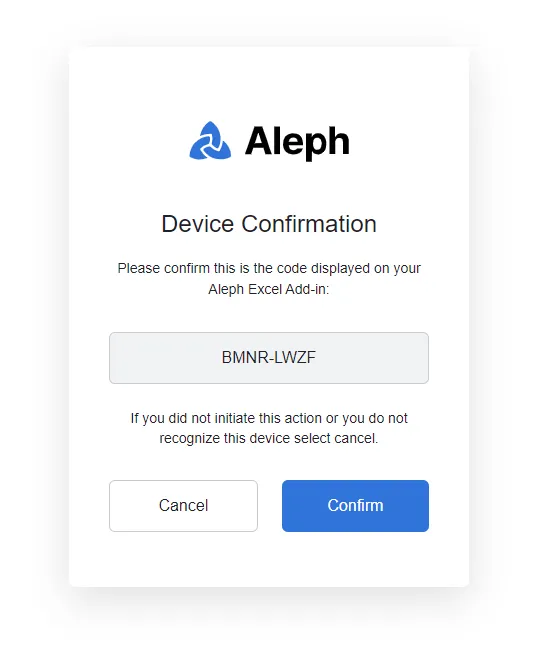
After you get the confirmation window, go to back to your spreadsheet and you are ready to use Aleph!