Single Sign-On (SSO)
Last updated: November 6, 2024
We support single sign-on with Google, Microsoft, and any identity provider with SAML support (like Okta). To setup SSO, find the instructions for your identity provider below.
No setup is required for Google SSO. Just direct your users to click "Continue with Google" to sign in to Aleph.
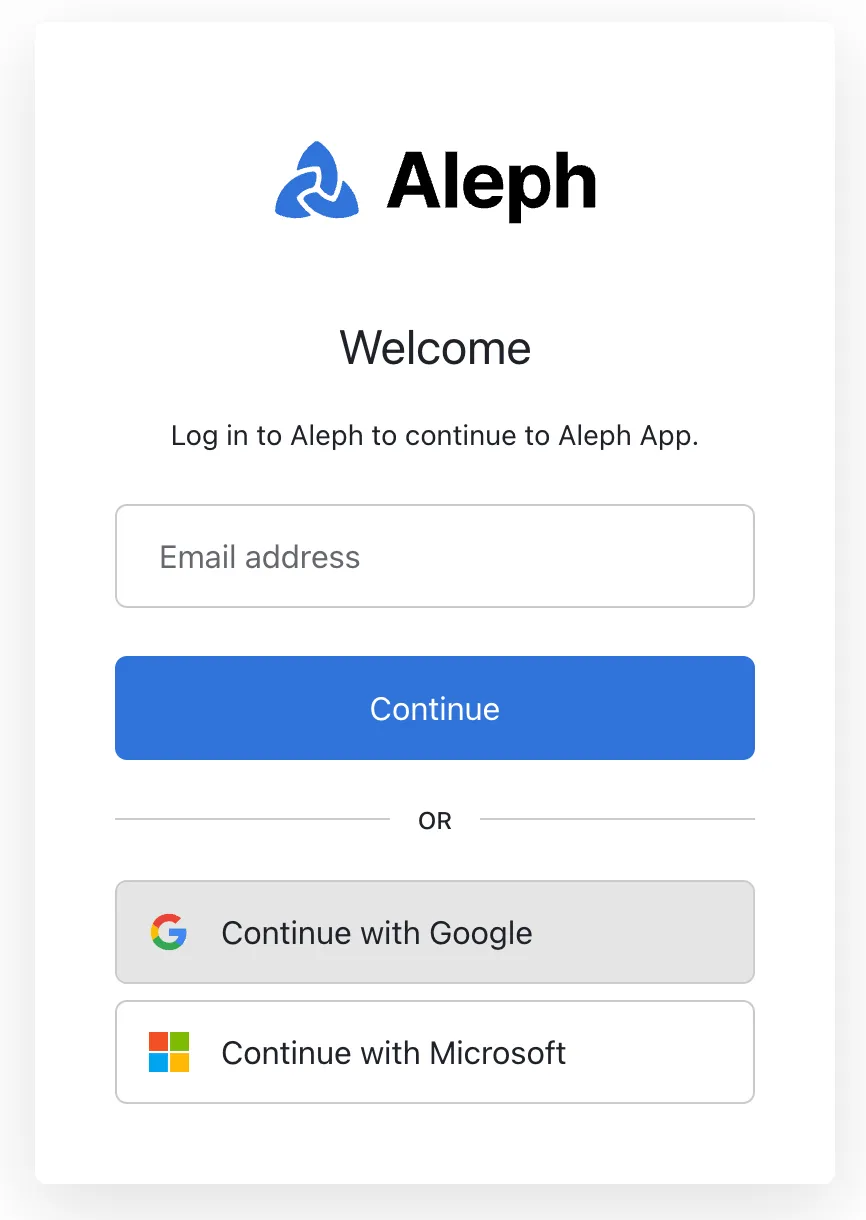
If you'd like to disallow other login methods, let us know and we can make that setup change
Microsoft
No setup is required for Microsoft SSO. Just direct your users to click "Continue with Microsoft" to sign in to Aleph.
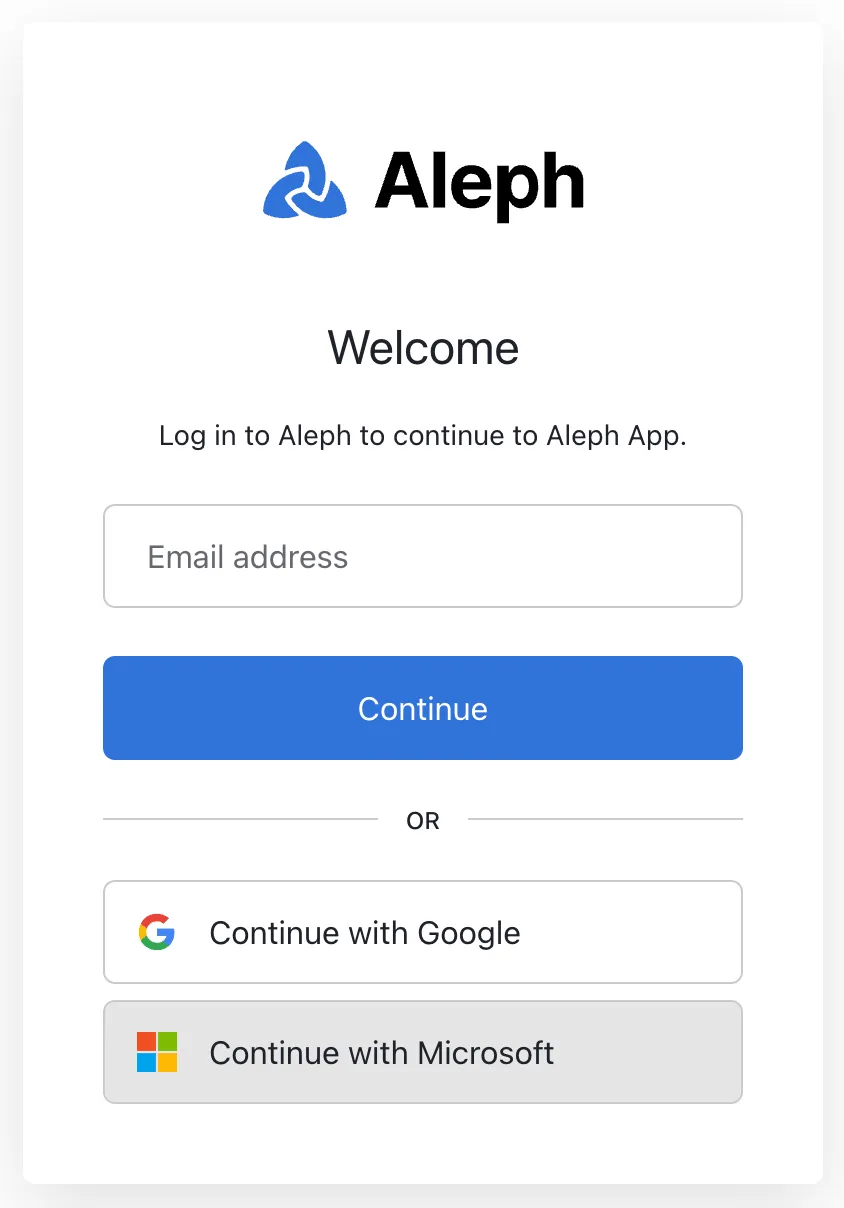
If you'd like to disallow other login methods, let us know and we can make that setup change
SAML (Okta and other IdPs)
Setup
To setup SAML SSO, we will provide you with the following information:
Single Sign-On URL: This is the SAML Post URL location. It may also be referred to as the SAML Assertion Consumer Service (ACS) URL. Use this value when adding a new SAML application in your provider.
Audience URI: This is the SAML Post URL location. It may also be referred to as the SAML Assertion Consumer Service (ACS) URL. Use this value when adding a new SAML application in your provider.
Here's an Aleph logo you can use for the Aleph app in your IdP
We will need the following from you:
Identity Provider Single Sign-On URL
X.509 Certificate: SAMLP server public key encoded in PEM or CER format
Whether you'd like us to disallow other login methods or not
Whether you'd like us to allow a user signed into your provider (e.g., Okta) to log in to Aleph from the provider page (e.g., by clicking on the Aleph app in Okta)
When you are ready to do the setup, please contact your Customer Success Manager.
Login
For logging in to Aleph, direct your users to input their company email in the email box.
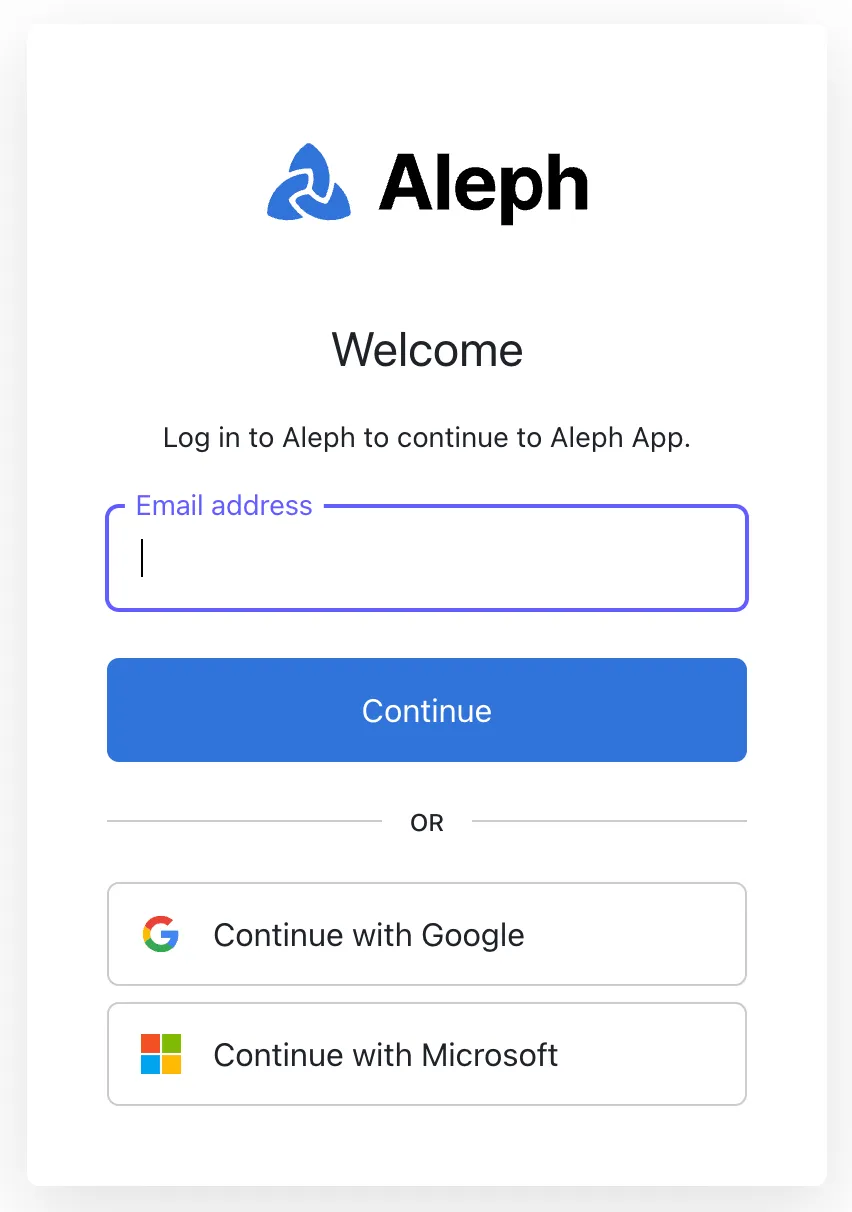
After they click on "Continue" they will be redirected to your identity provider to log in, after which they will be redirected again to Aleph.