Tying OKRs to Review Cycles in IMPACT
Last updated: September 20, 2024
Learn how to seamlessly align OKRs with review cycles in IMPACT, ensuring strategic goals are integrated into performance evaluations for optimal organizational alignment.
📽 Check out our video tutorial on tying OKRs to review cycles in IMPACT
📝 Here is a step-by-step guide on tying OKRs to review cycles in IMPACT
Navigate to https://app.plai.team/
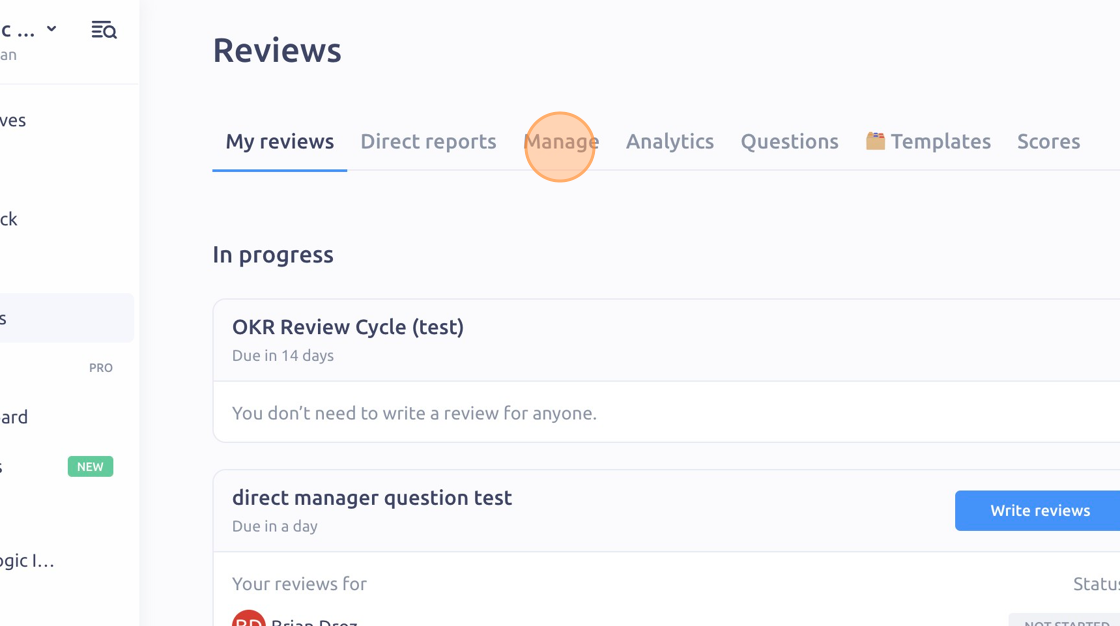
Click "Manage"
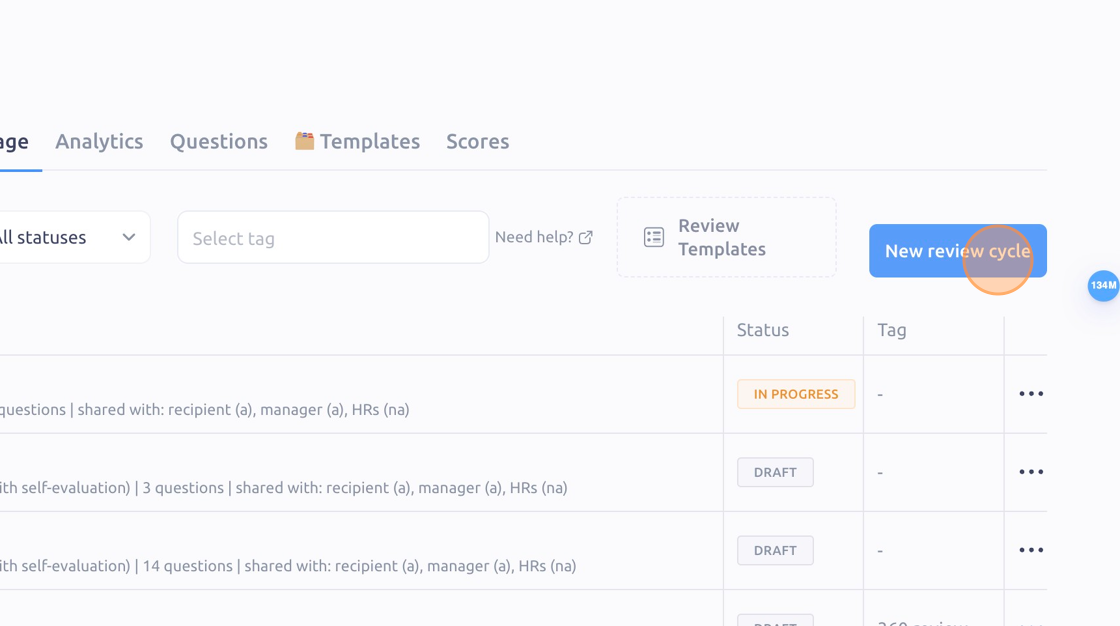
Click "New review cycle"
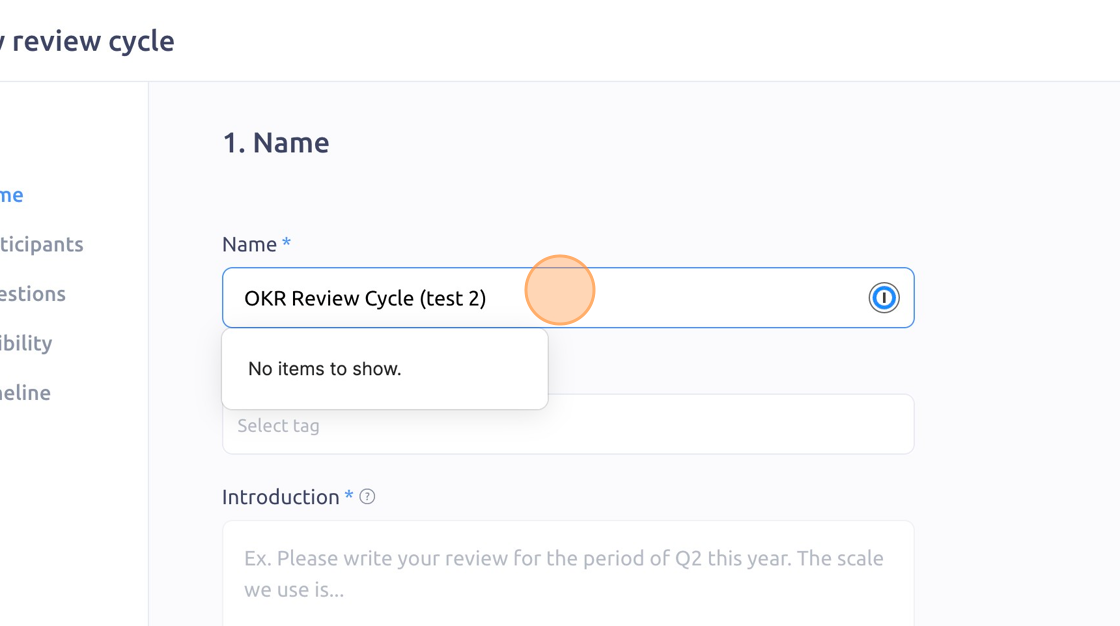
Enter a name and introduction for your OKR review cycle
Next you will select the review recipients and reviewers
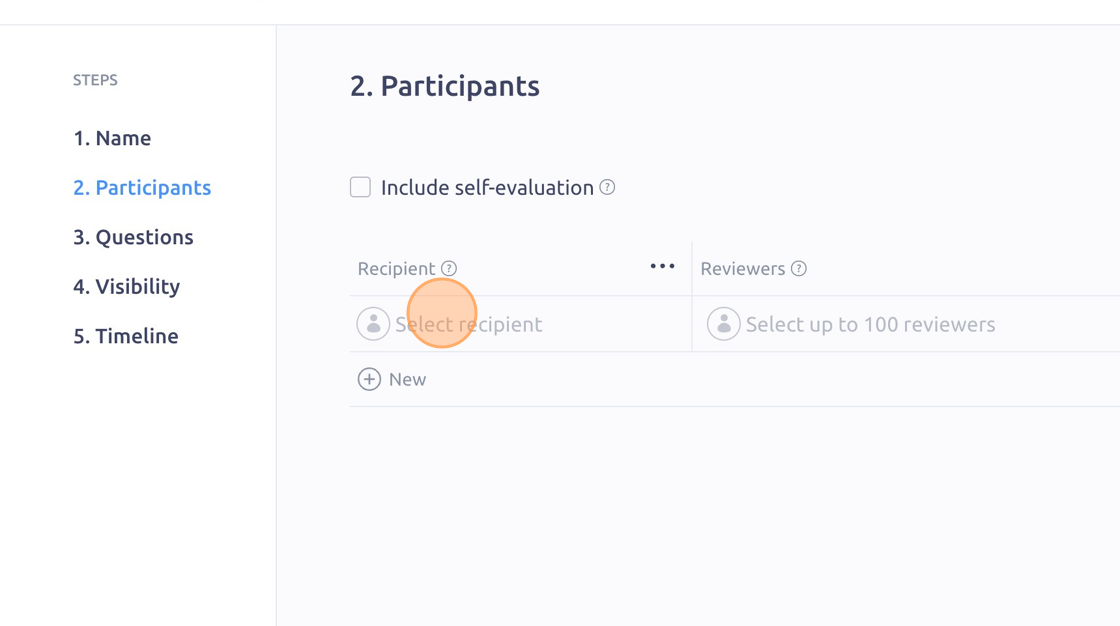
Click this icon to include a self-evaluation
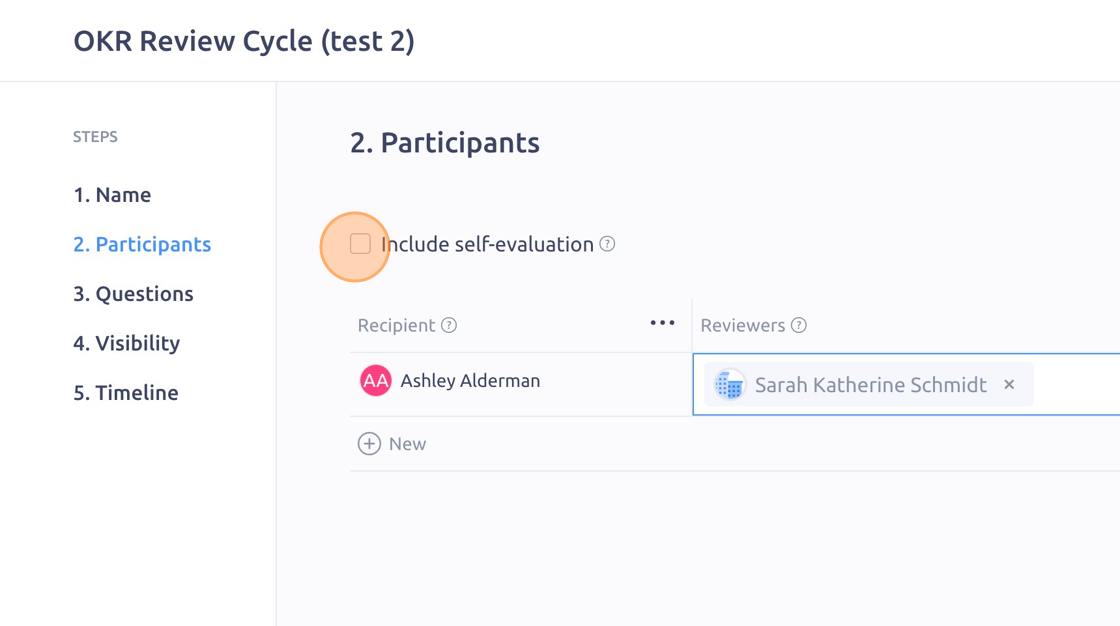
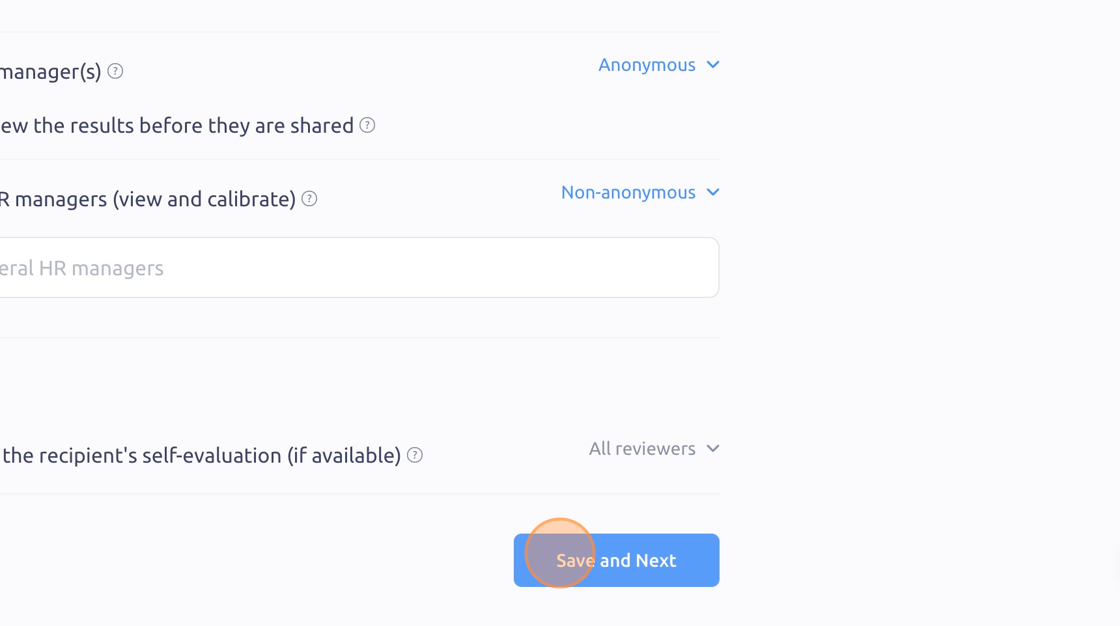
Click "Save and Next"

Click the "Search questions" field and type in OKR
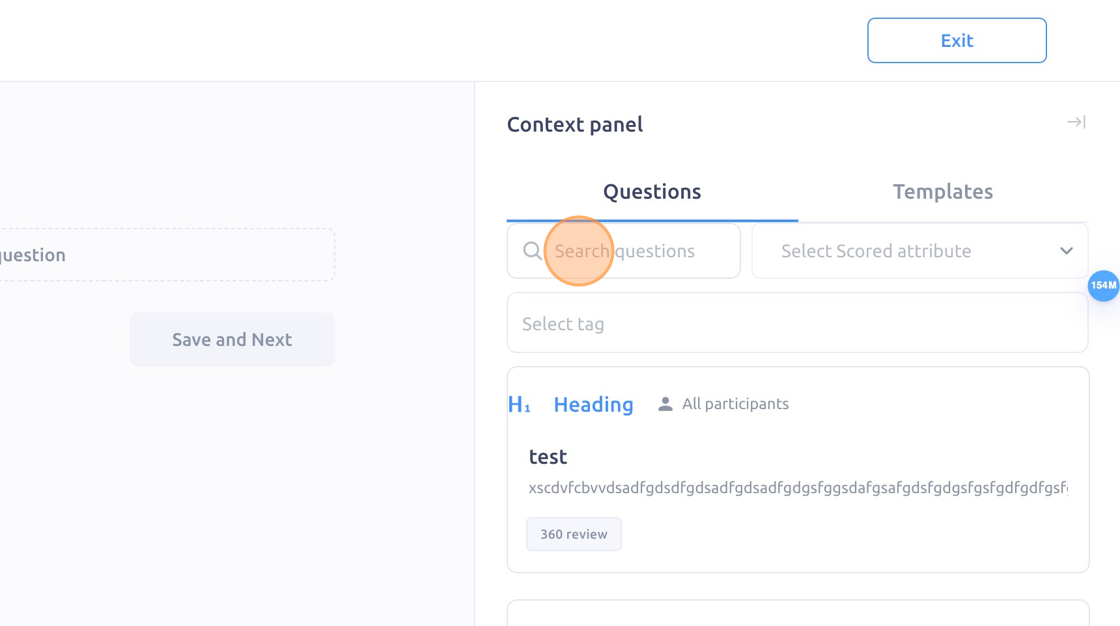
Click each OKR question to add them to the review cycle
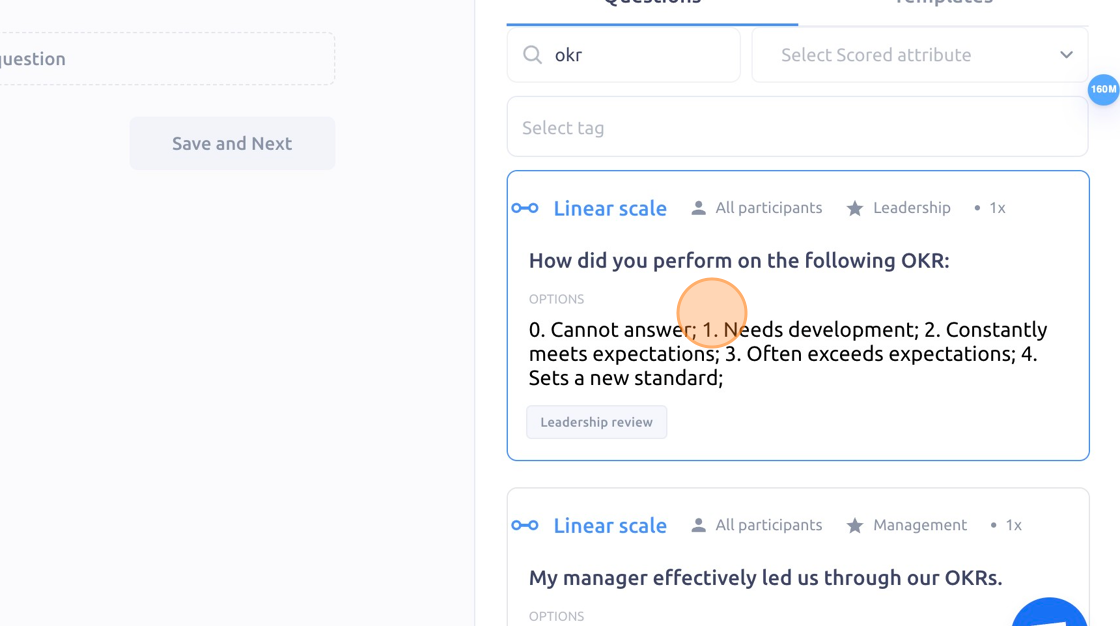
Click "Save and Next"
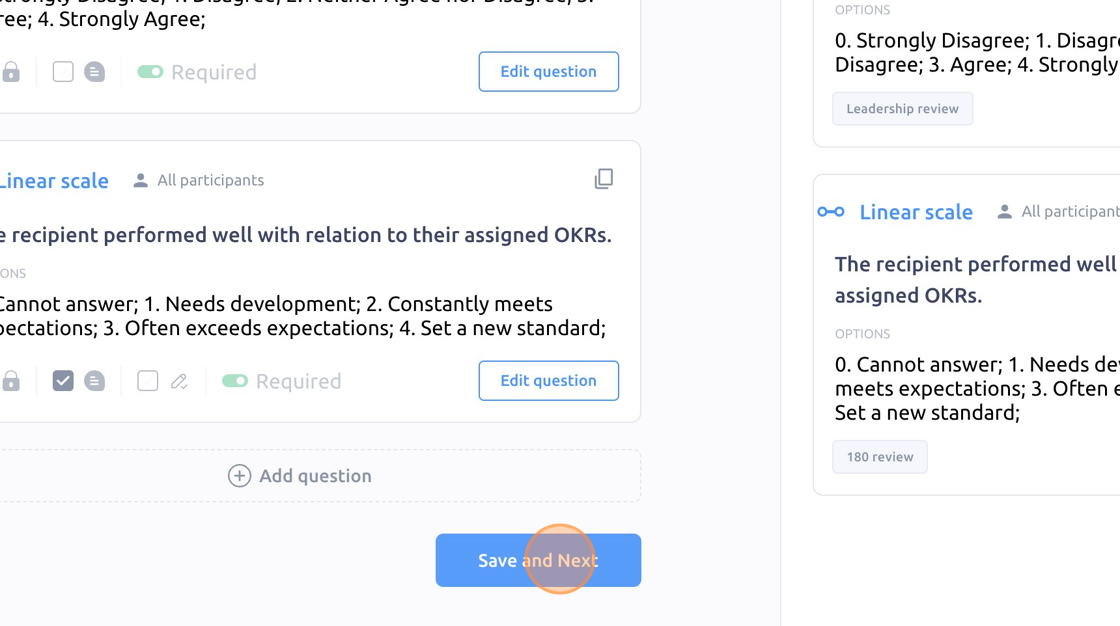
Add the visibility layer and click "Save and Next"
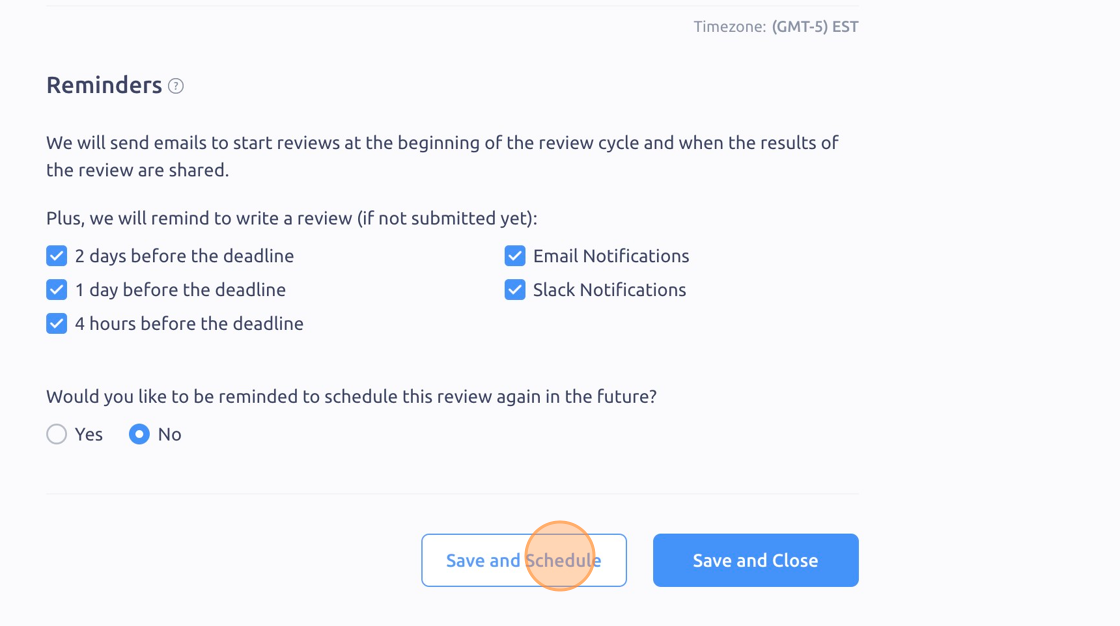
Click "Save and Schedule"
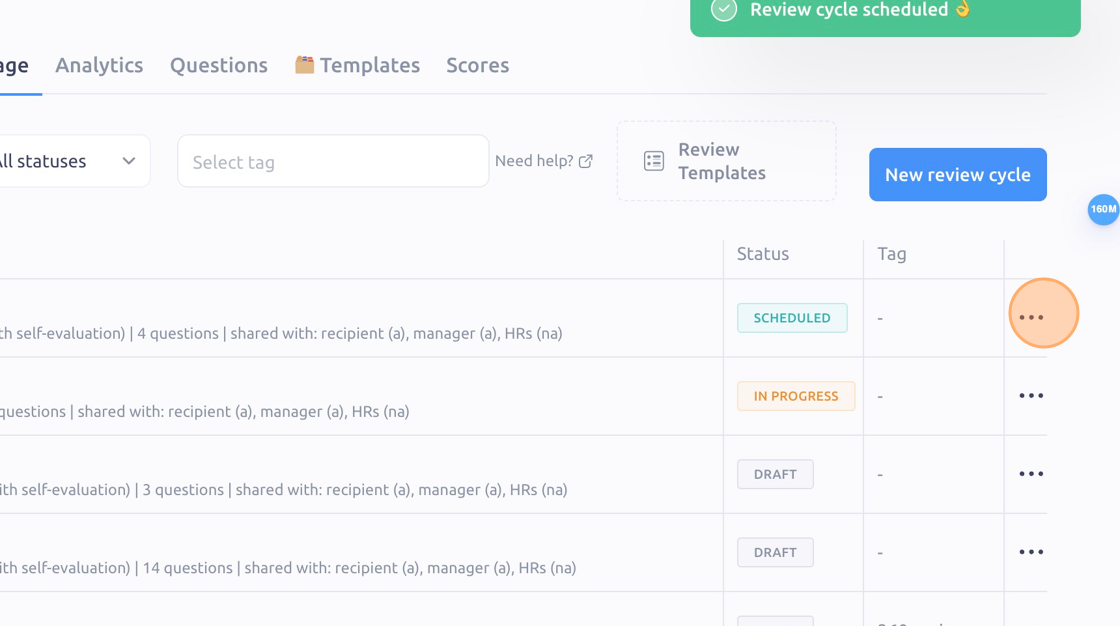
Click the "3 dots" icon
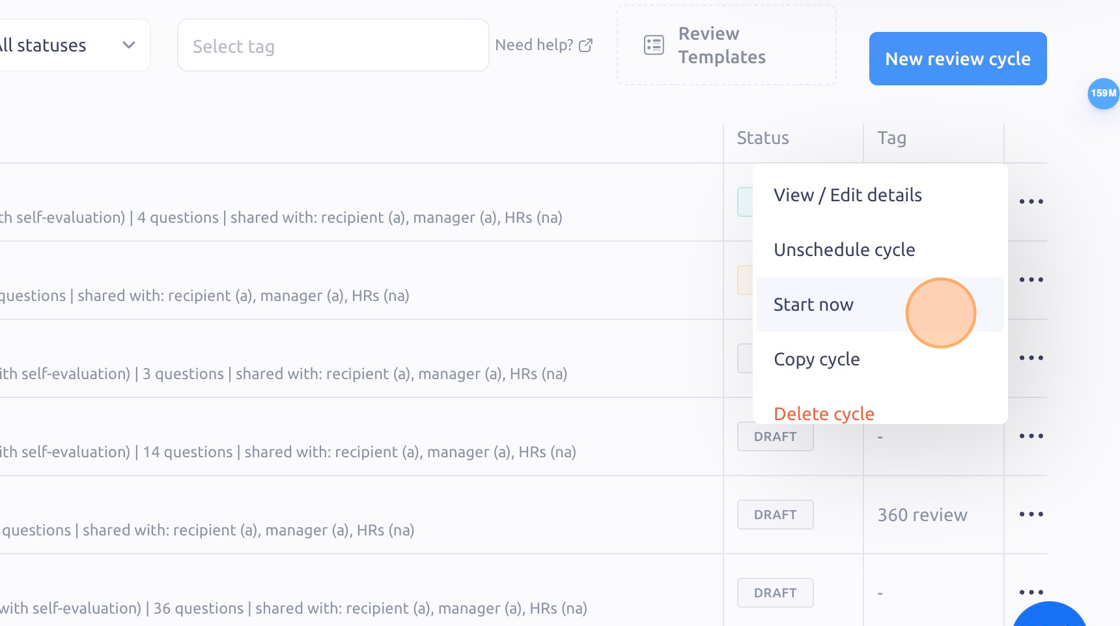
Click "Start now"
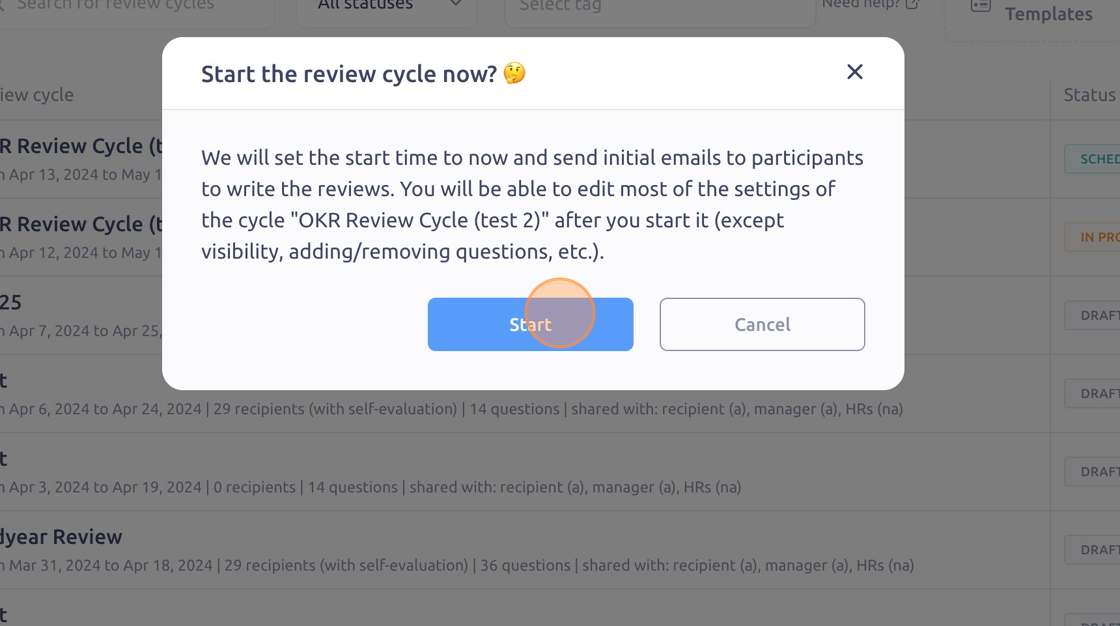
Click "Start" to begin your OKR review!
To see it in action, please visit Peoplelogic Learn.