Exporting and Sharing Review Cycles in IMPACT
Last updated: September 20, 2024
Discover seamless methods for exporting and sharing review cycles in IMPACT, facilitating collaborative feedback and enhancing organizational transparency.
📽 Check out our video tutorial on exporting review cycle data in IMPACT
📝 Here is a step-by-step guide on exporting and sharing review responses in IMPACT
1. Navigate to <https://app.plai.team/>
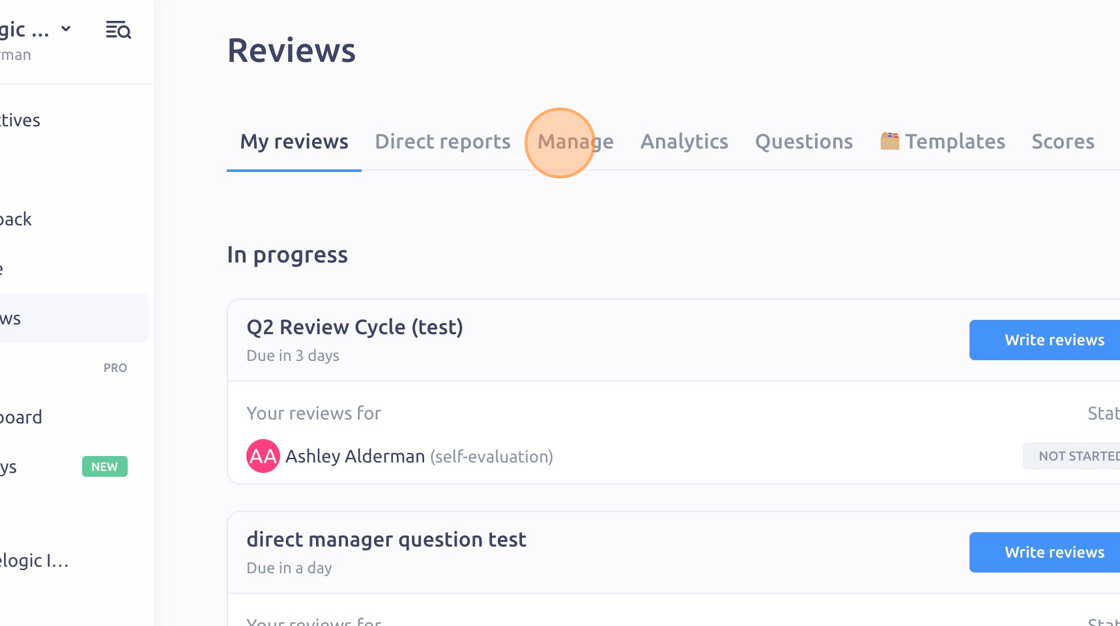
2. Click "Manage"
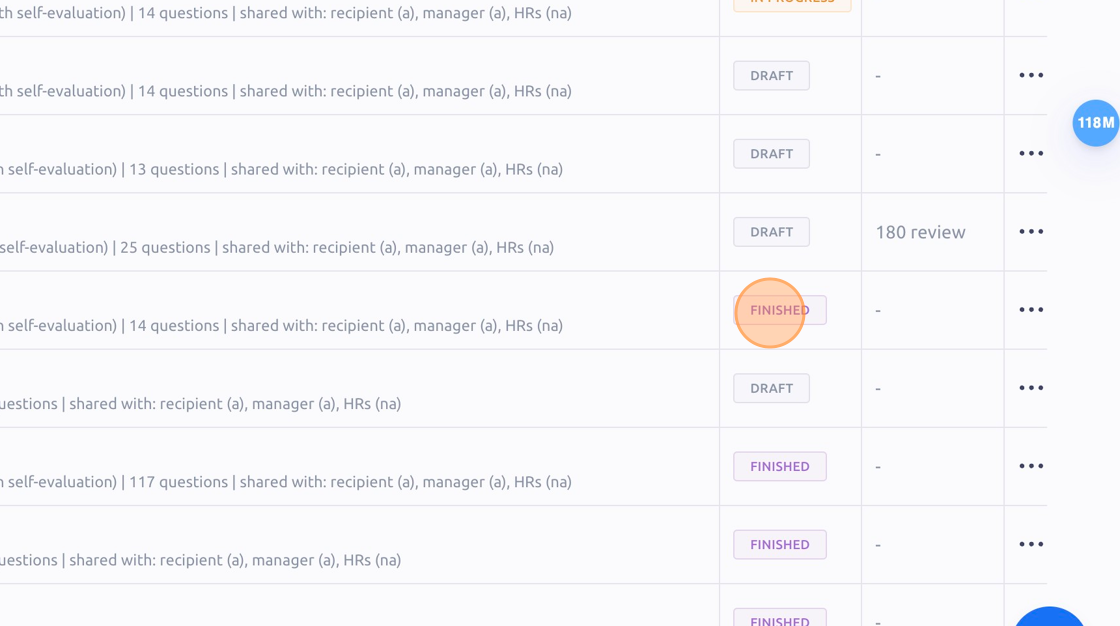
3. Find a review cycle that has a "FINISHED" status
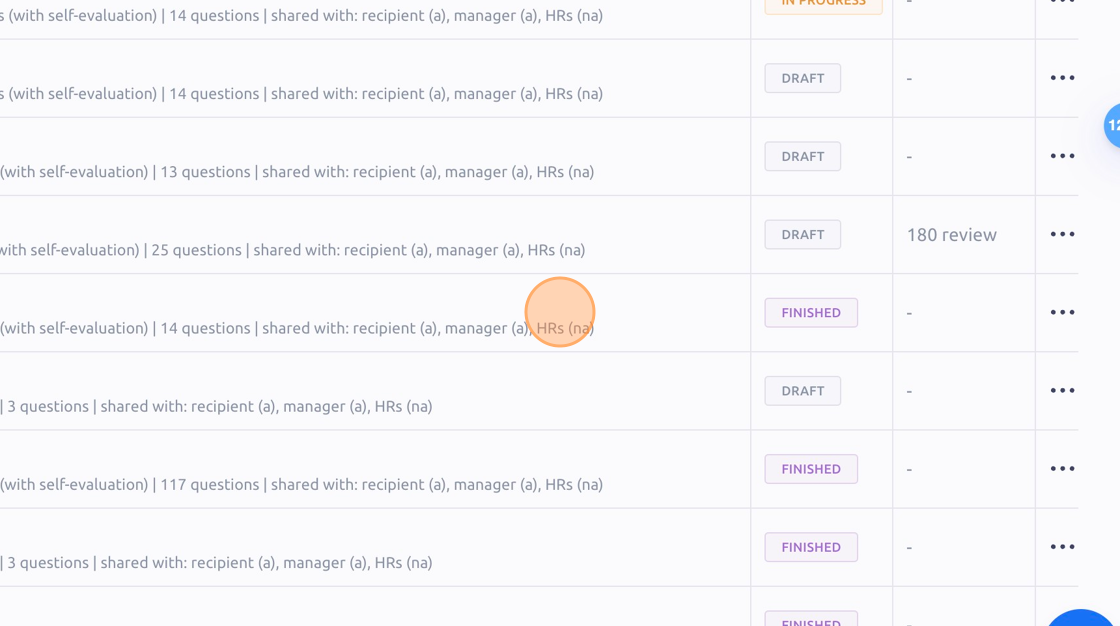
4. Click into the finished review
5. Click the "3 dots" icon
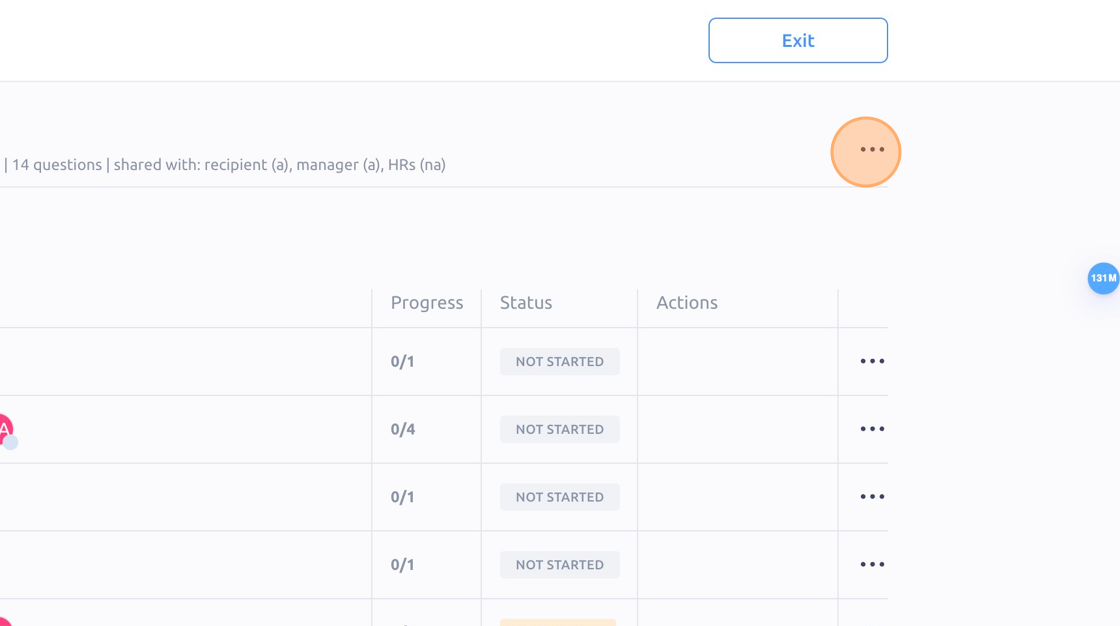
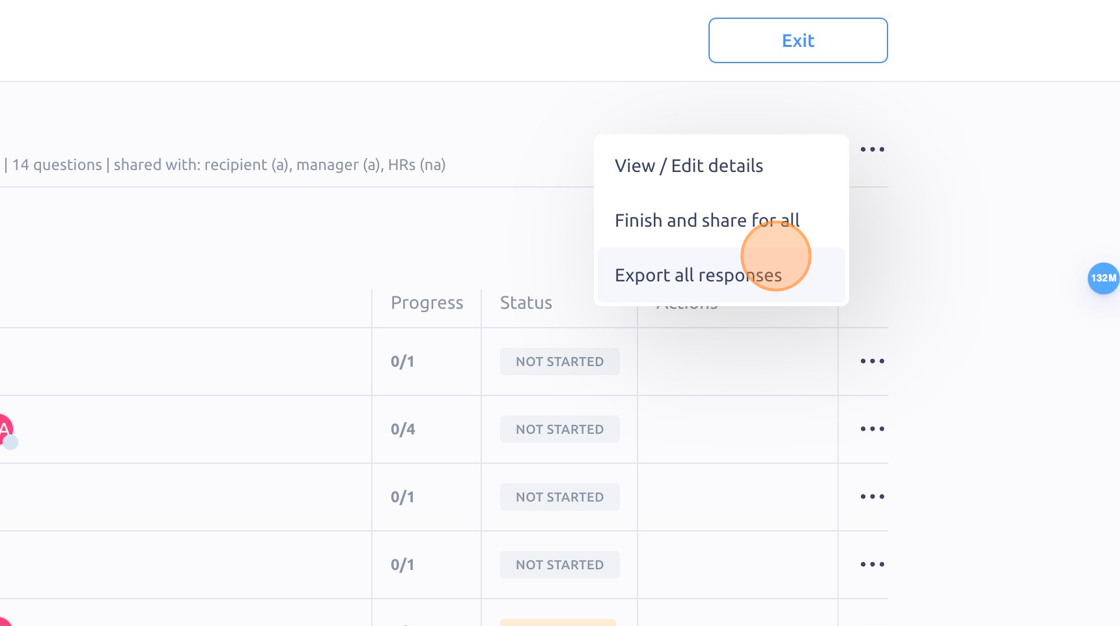
6. Click "Export all responses" to download a .CSV file of your review responses
To see it in action, please visit Peoplelogic Learn.