How to Participate in Review Cycles for Managers and Employees
Last updated: September 20, 2024
Learn how managers and employees can actively engage in productive review cycles.
📽 Check out our video tutorial on participating in review cycles for managers and employees in IMPACT.
📝 Here is a step-by-step guide on participating in review cycles for managers and employees in IMPACT:
1. Navigate to https://app.plai.team/
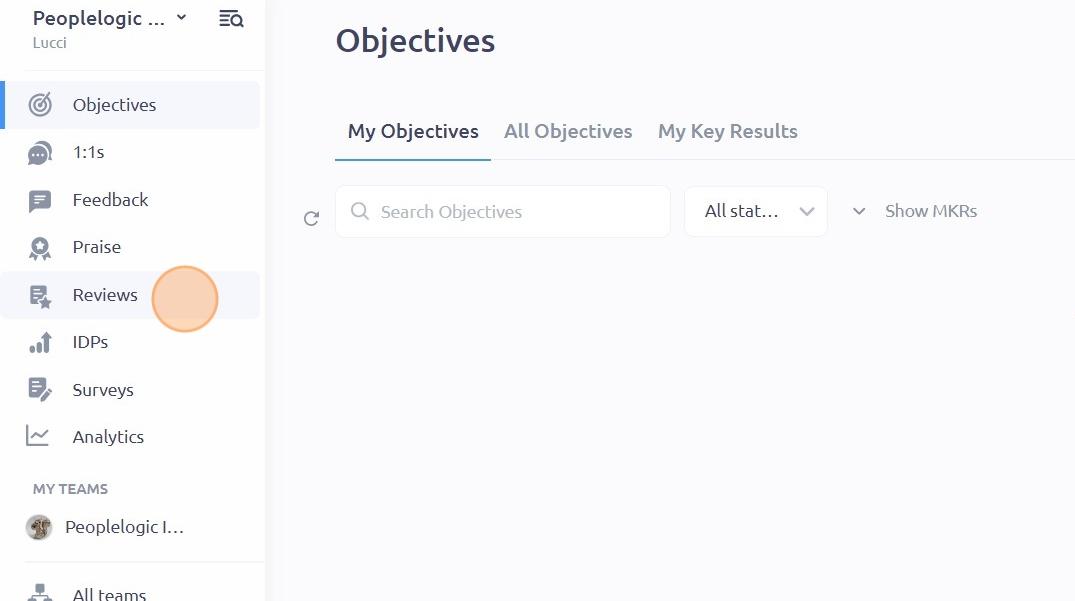
2. On the left-hand side panel, click on "Reviews"
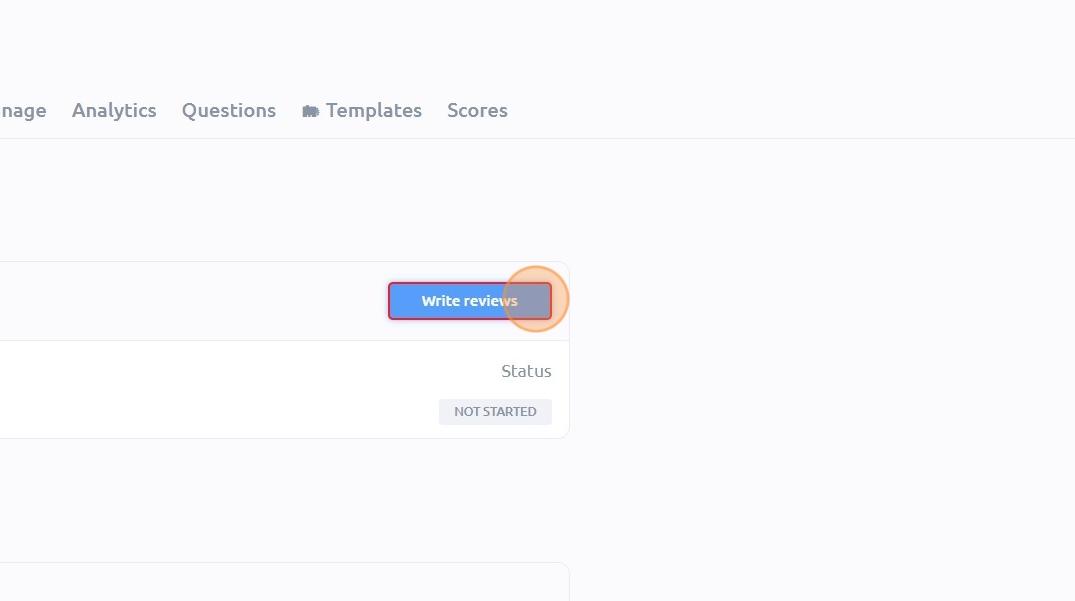
3. There are two ways to write a review. Under the "My Reviews" tab, navigate to the review cycle you want and click on the "Write reviews" button. Another way to do this is to go to your email notification and click on the "Write reviews in Plai" button.
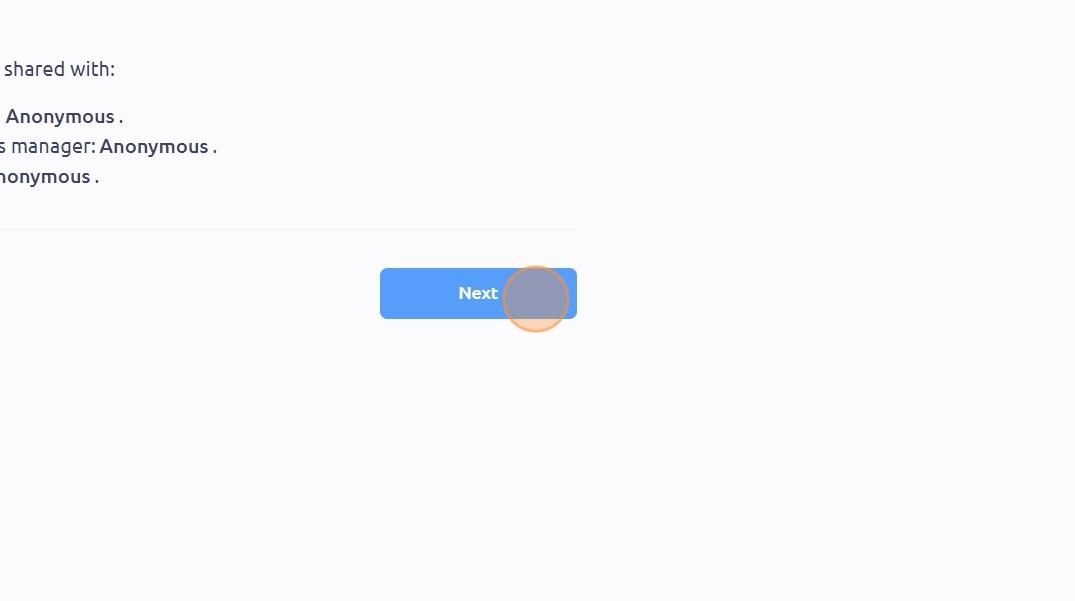
4. You will then be redirected to the page where you can see the Introduction and the Visibility Notes. Click "Next"
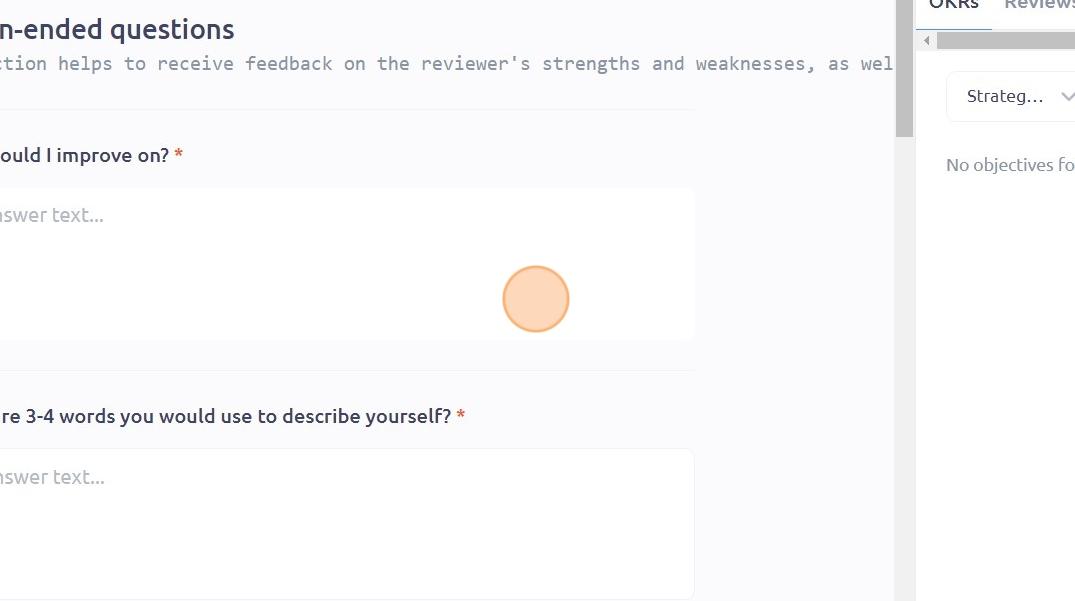
5. Enter your answers in the applicable field boxes
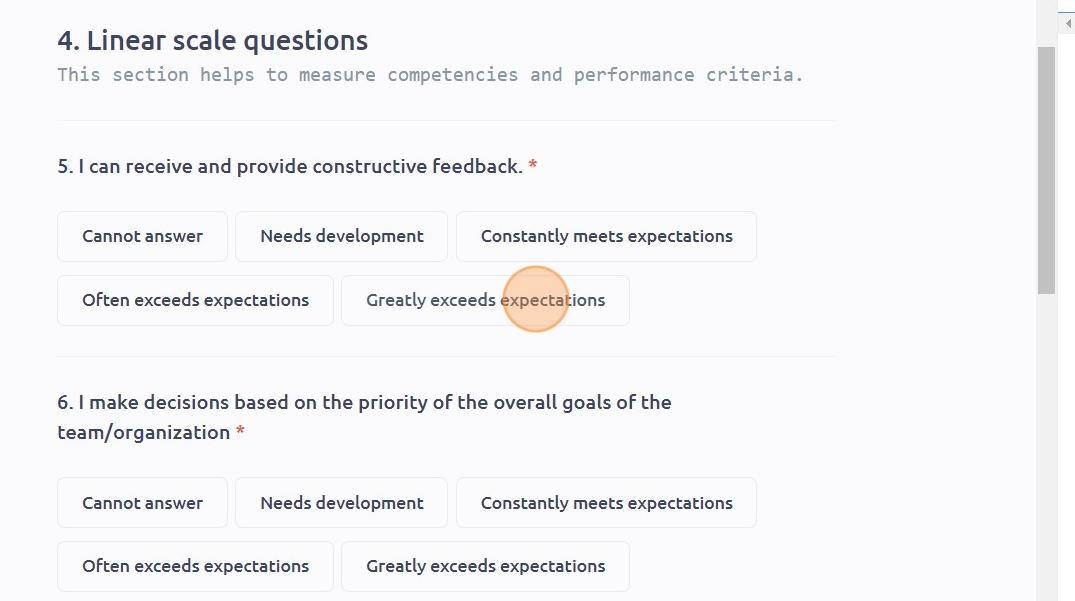
6. Choose your answer among linear scale and multiple choice questions
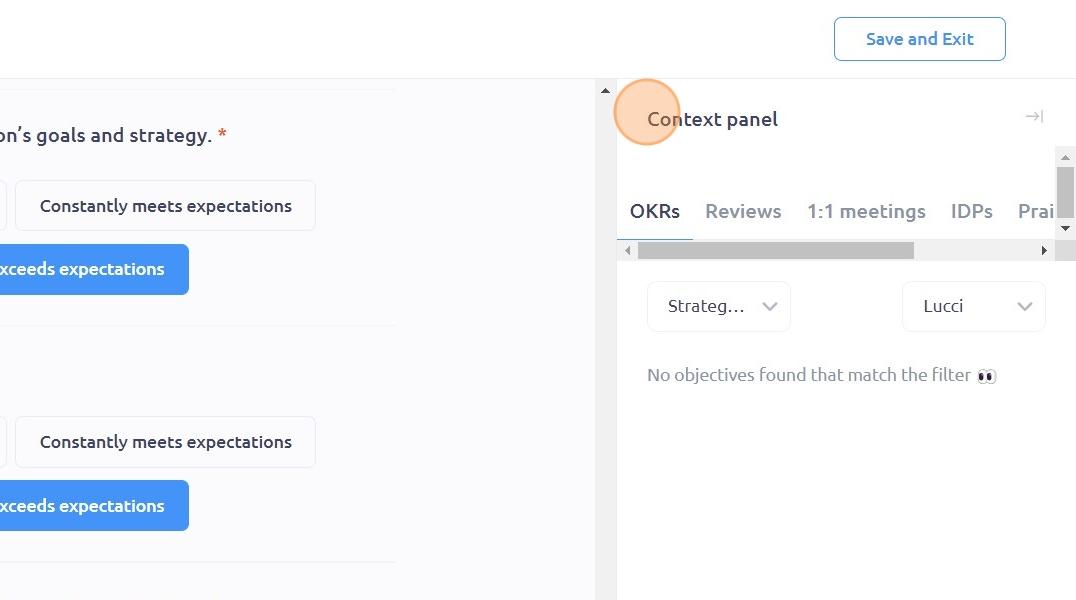
7. For any review cycle that contains OKR information, you will be able to view your OKRs directly on the right-hand side of the page, under the "Context panel"
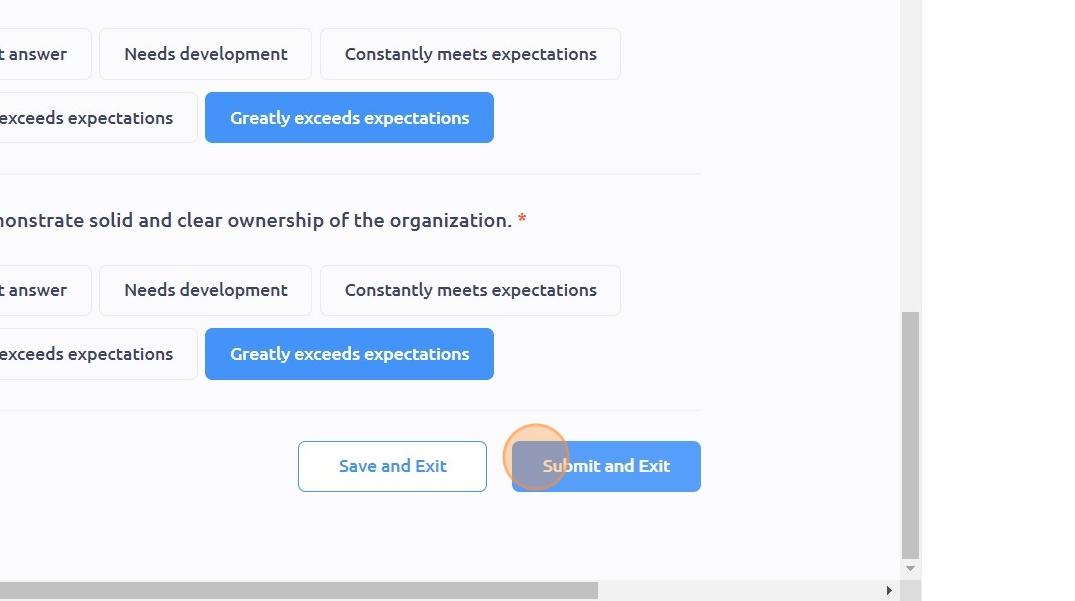
8. After answering, you can either click "Save and Exit" if you want to save your progress as a draft or click "Submit and Exit" if you're done
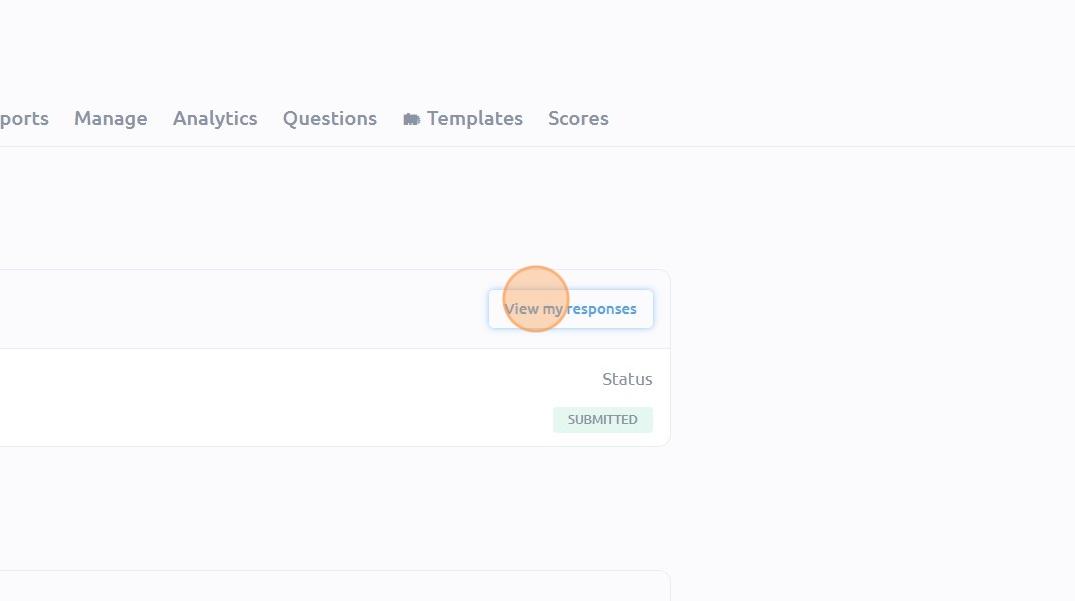
9. You will then be redirected to the "Reviews" page where you can click "View my responses" to view your responses
To see it in action, please visit Peoplelogic Learn.