Creating workspaces in IMPACT
Last updated: September 18, 2024
Welcome to IMPACT, we’re happy to see you here! 😊
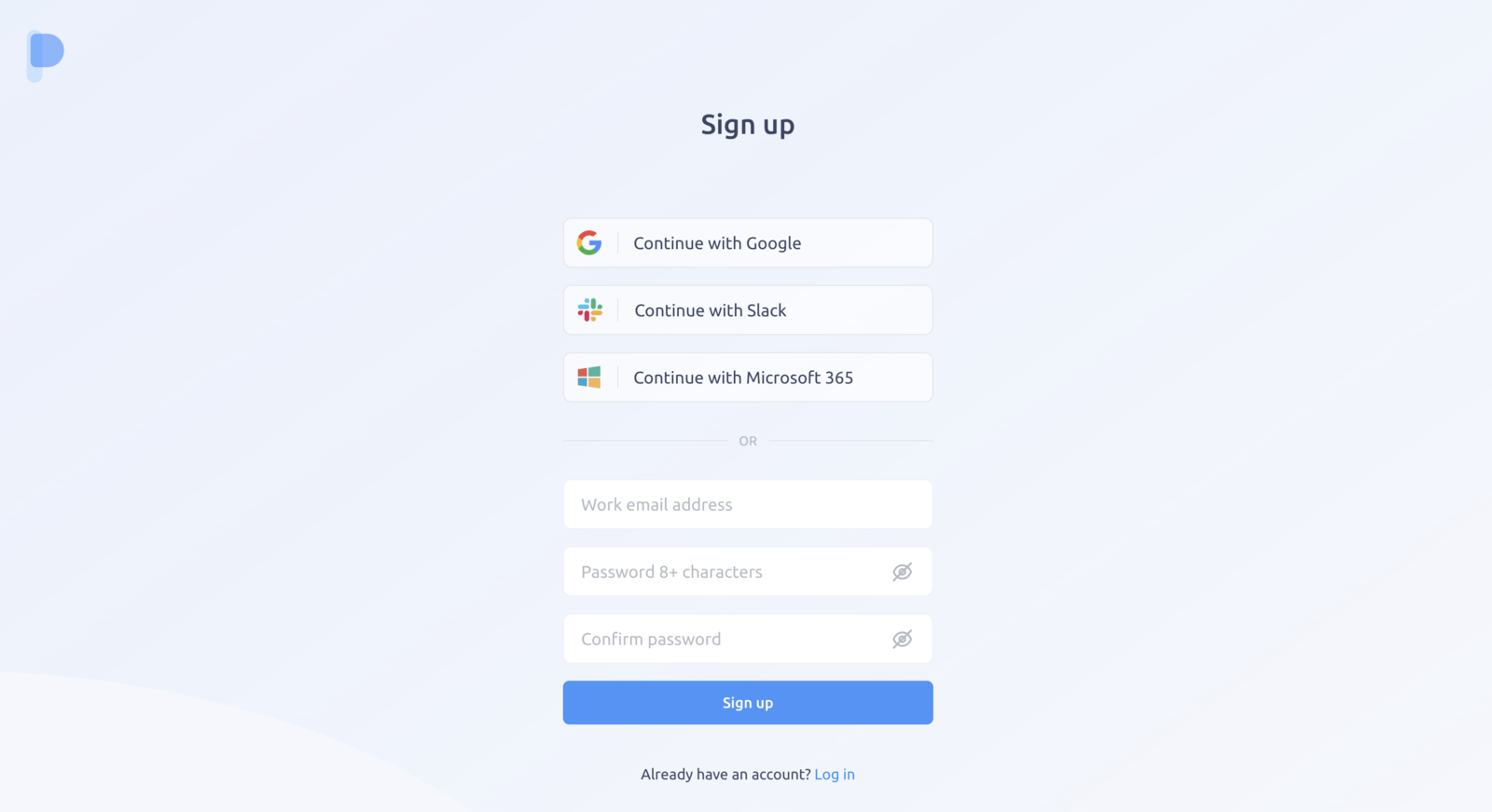
Sign up
To start with IMPACT, go to https://app.plai.team/signup
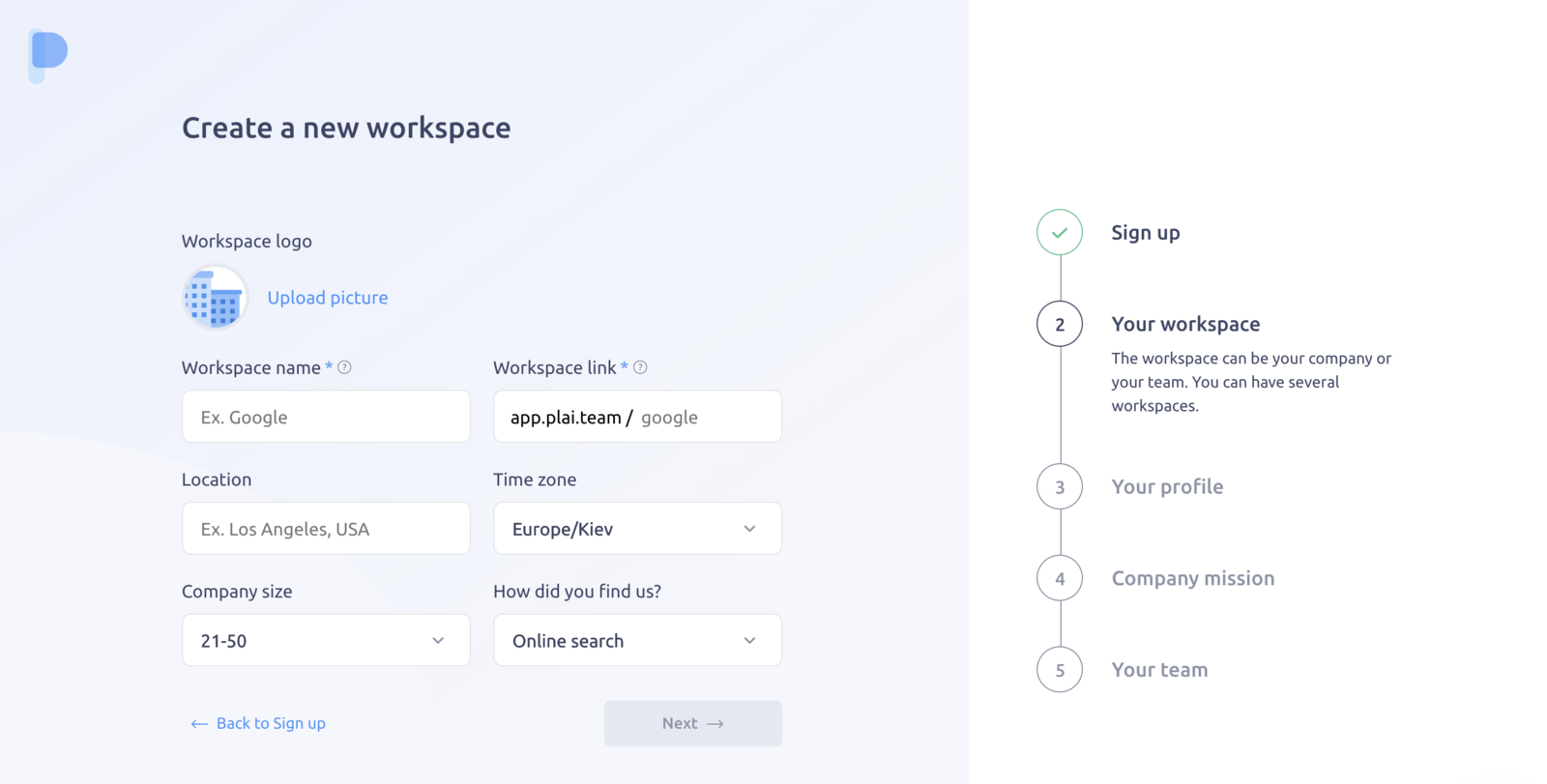
Create workspace
If you’re signing up for the first time, you’ll be invited to create a new workspace.
Enter your organization name, your unique URL, logo, location, and time zone.
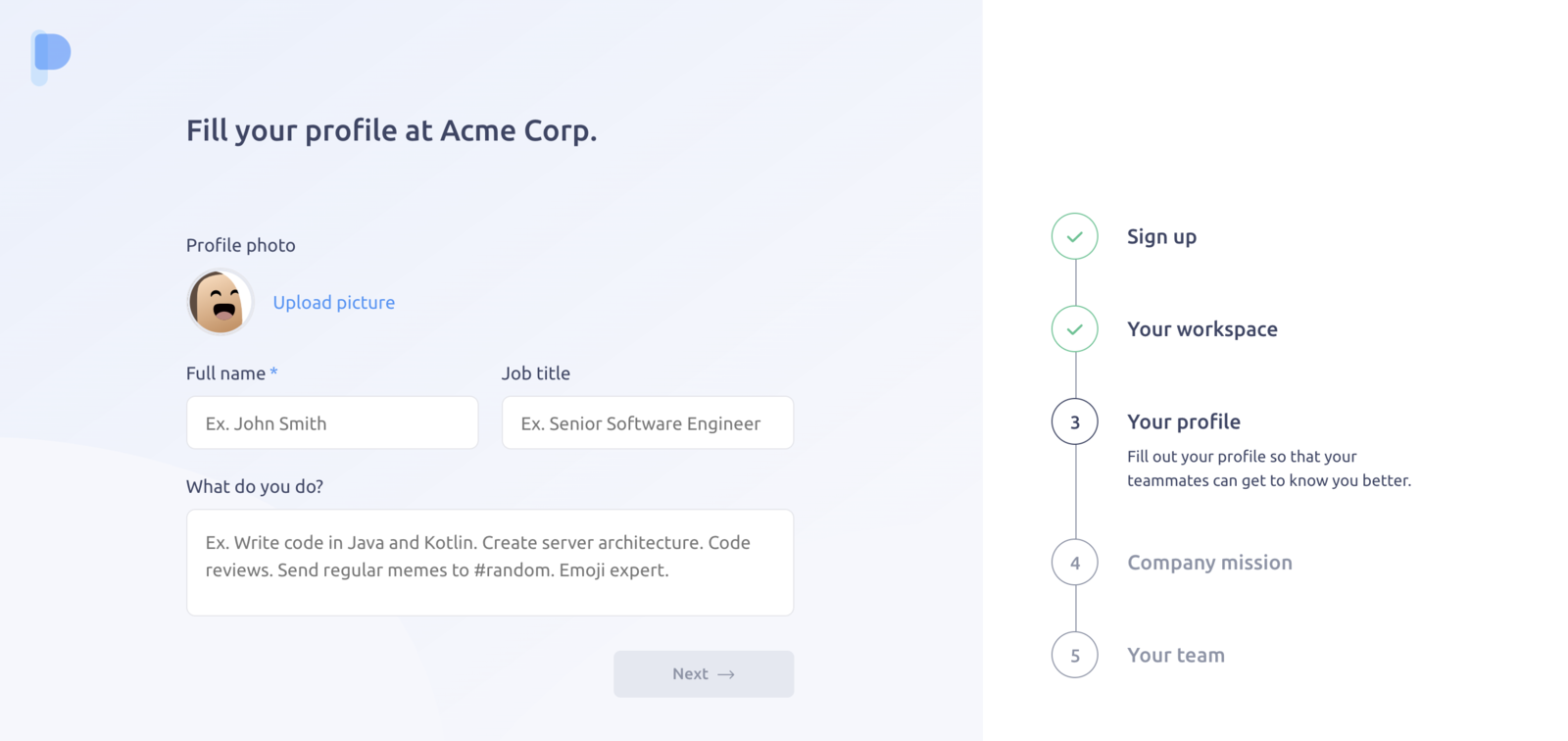
Set up your profile
Make sure to set up your profile and fill information about yourself. No one likes looking at anonymous avatars, help your teammates find you by adding your photo. Any additional information is always welcome.
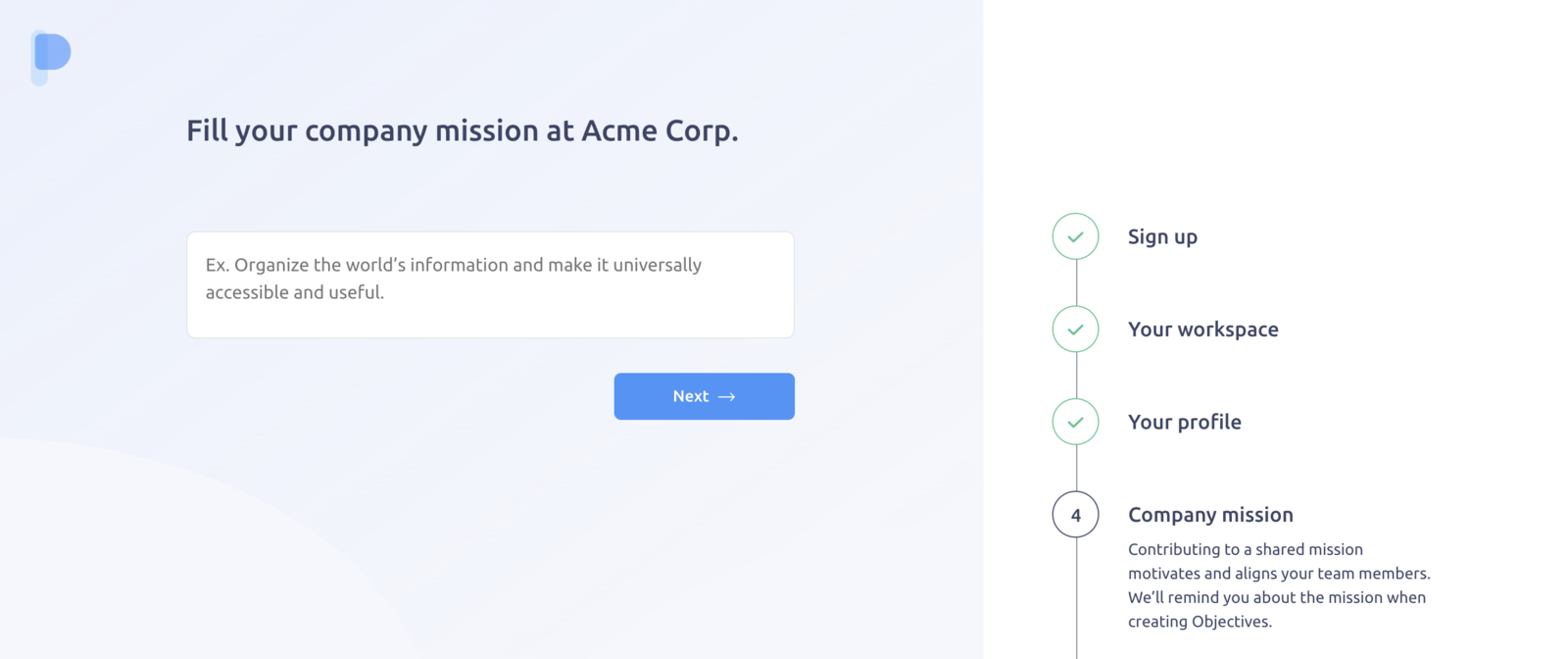
Fill your company mission
We strongly believe that the mission helps companies align the team and achieve better results. Write down your company mission statement, and we’ll remind your teammates about it when creating Objectives.
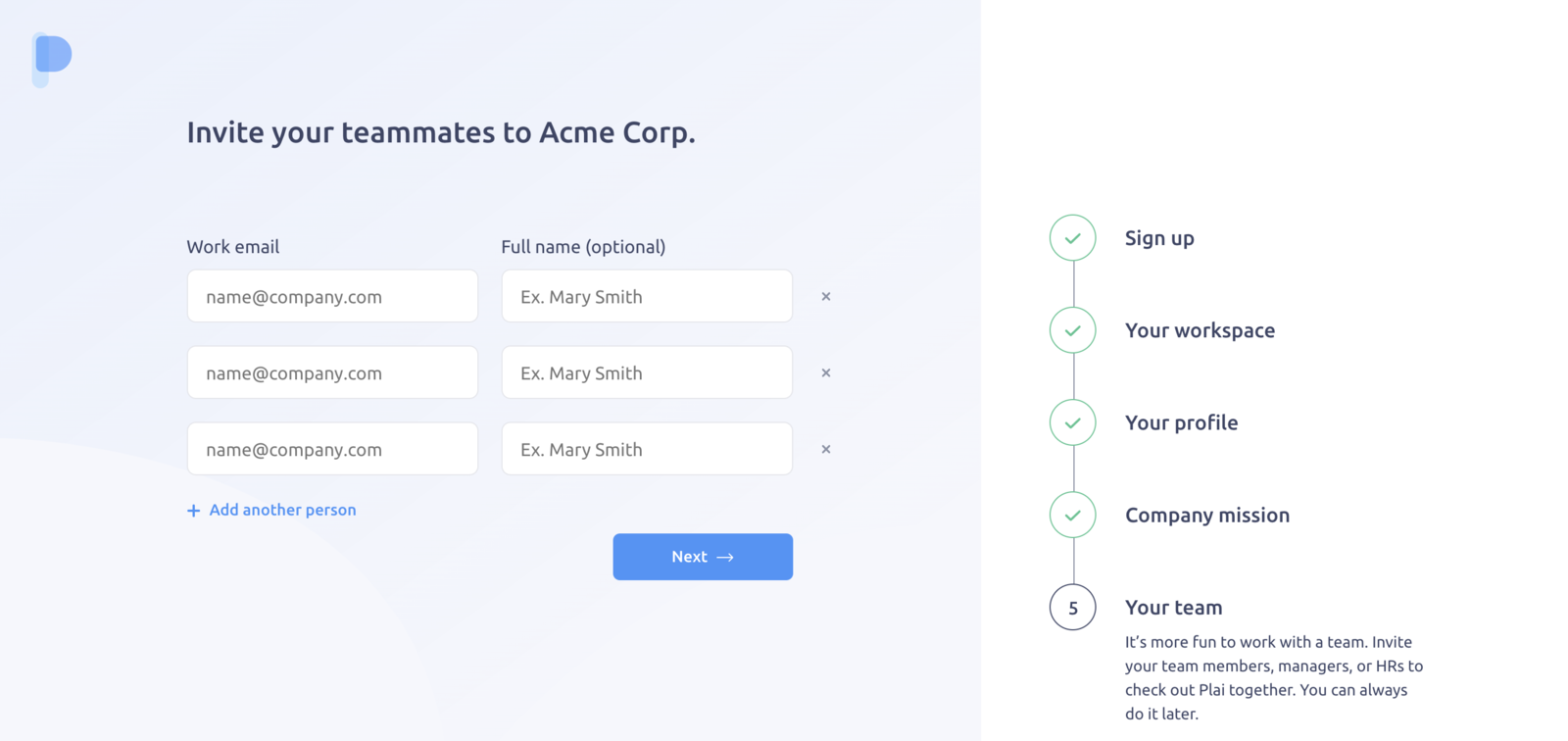
Invite your teammates
It’s more fun to work with a team. Invite your team members, managers, or HRs to check out IMPACT together. You can always do it later.
Welcome to IMPACT 🎉
You’re all set. Feel free to explore the demo environment with the test content, invite your whole team, and make the most out of IMPACT.
Create more workspaces
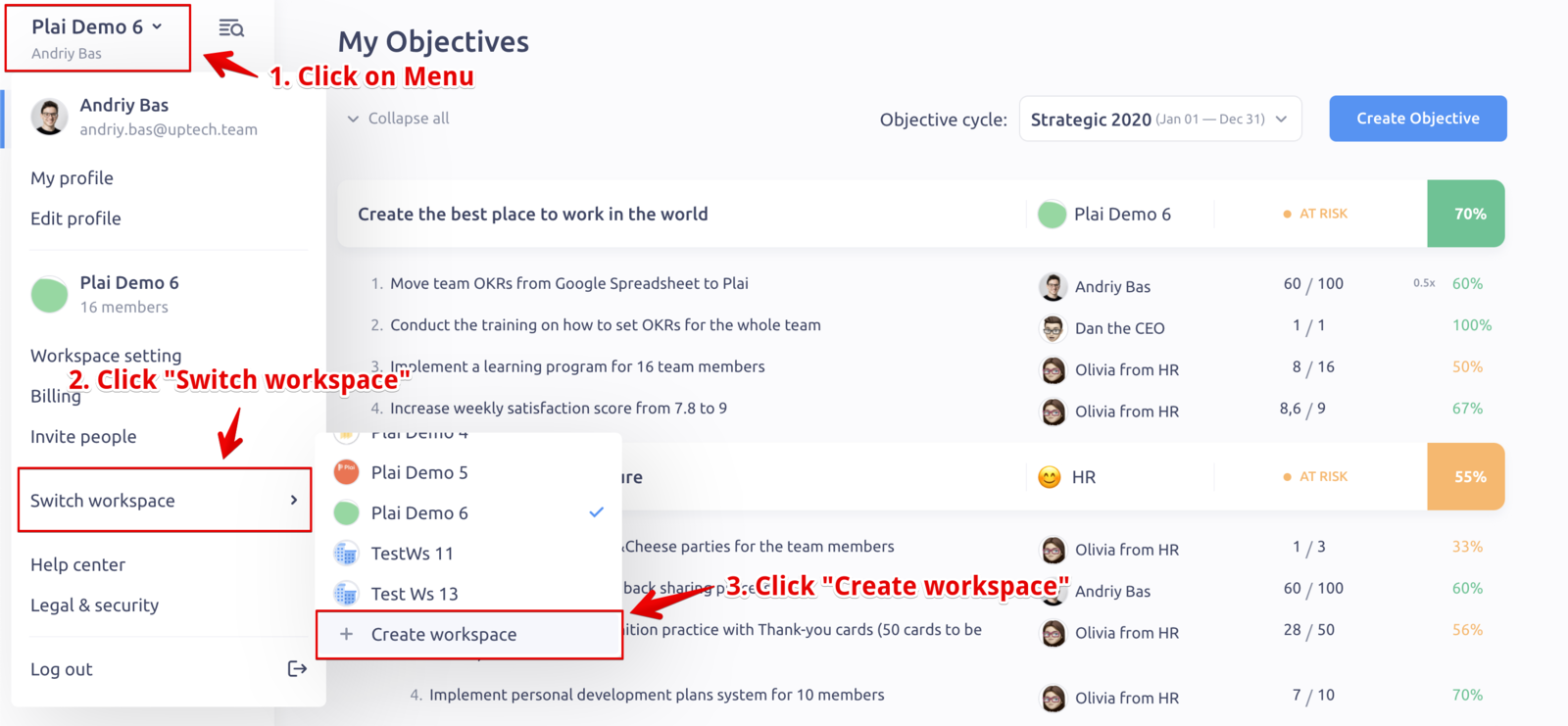
If you already have a workspace in IMPACT, you can create a new one. Go to Menu → Switch workspace → Create workspace to create a new one.
We’re always available to help with any issues and would love to hear your feedback. Hit the chat bubble at the bottom to talk to us at any time.