How to Create a New Team in IMPACT
Last updated: September 20, 2024
With IMPACT, you can easily create a new team to increase your productivity and track your progress together.
📽 Check out our video tutorial on creating a new team in IMPACT
📝 Here is a step-by-step guide on how to create a new team in IMPACT
Navigate to https://app.plai.team/
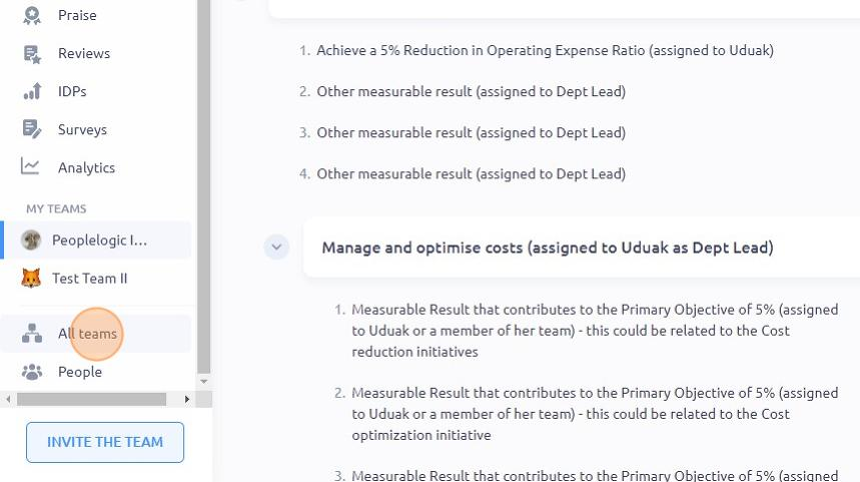
On the left-side panel, click "All teams" and from there you shall see the team structure
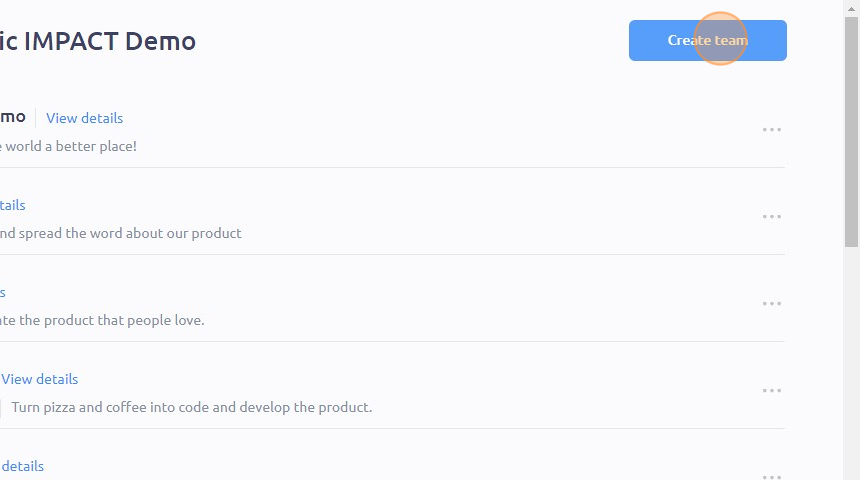
Click "Create team" on the upper right side
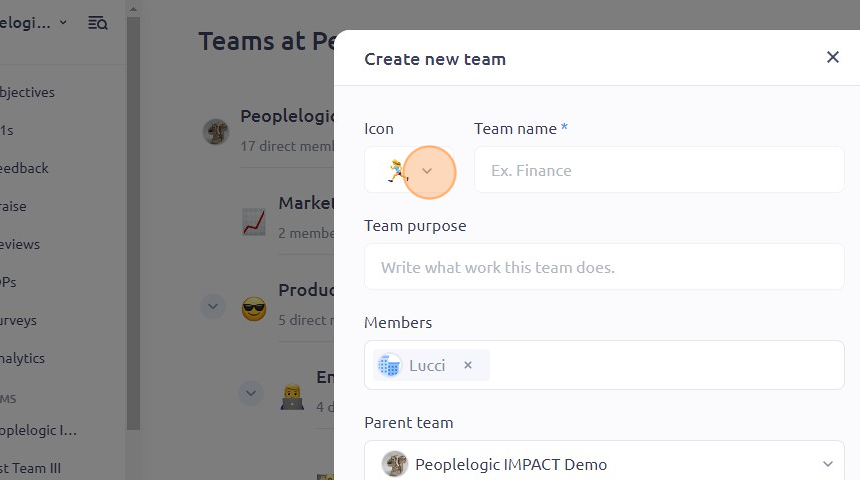
To set your team icon, click on the small arrow beside the symbol
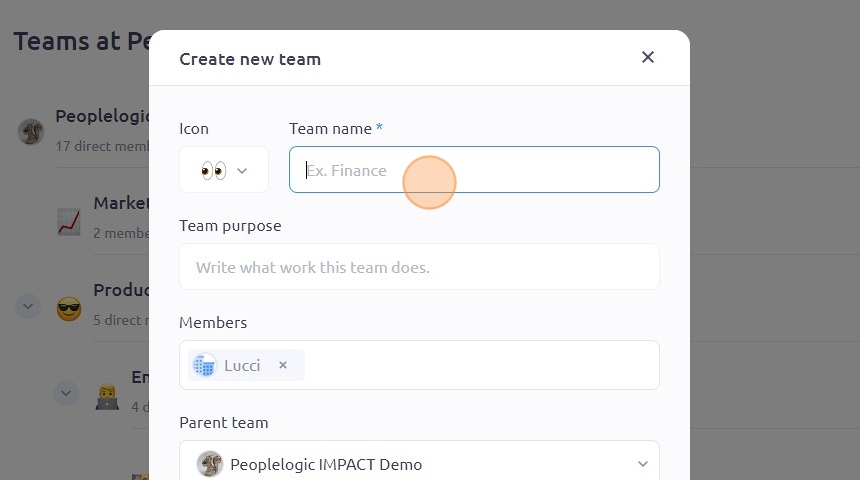
Set the team name by clicking on the "Team name " field. You can also set a team purpose by typing it in the "Team purpose" field
To add members, simply click on the "Members" field
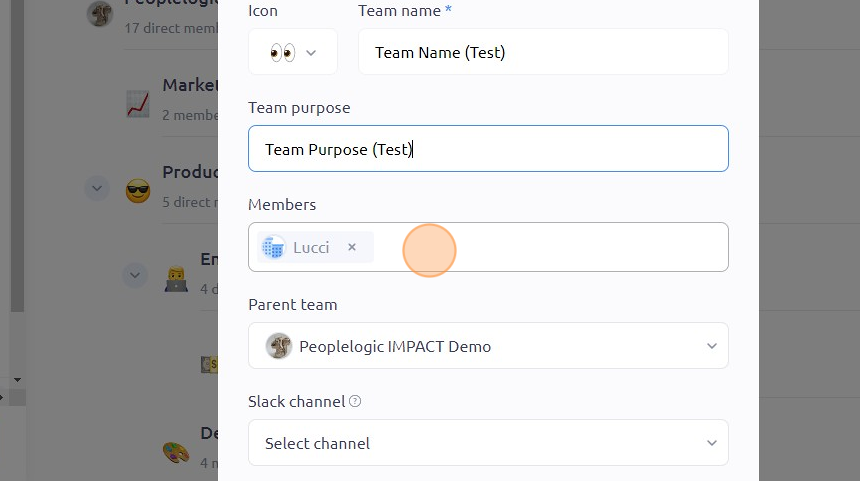
Type in the names of the employees you want to add and select their names from the drop-down menu
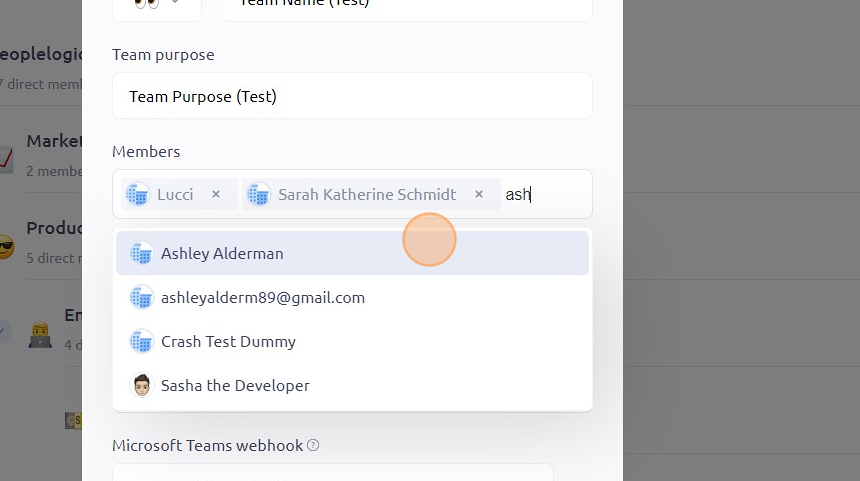
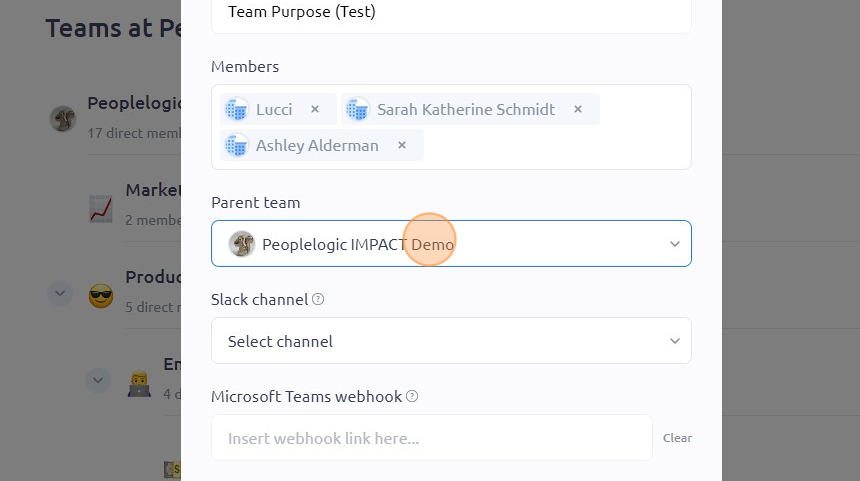
From here, you can also change the parent team, add a slack channel and link a Microsoft Teams webhook by clicking on their respective fields
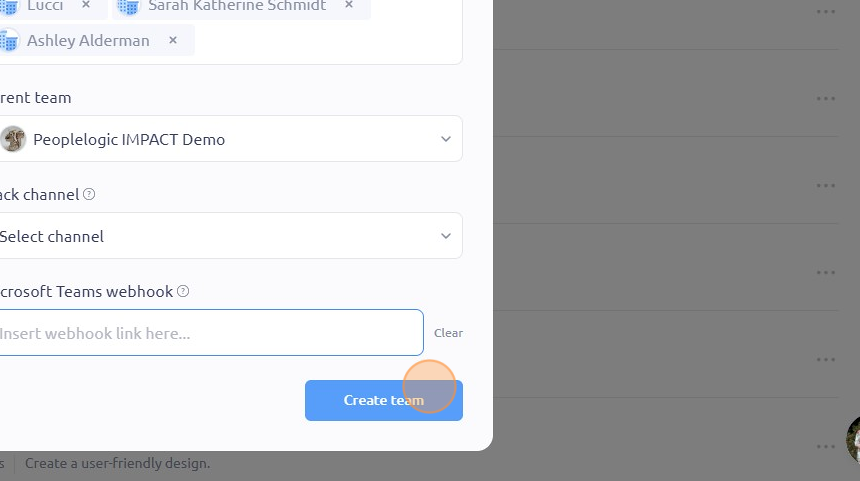
Once you're done, click "Create team"
To see it in action, please visit Peoplelogic Learn.