Copying Stages from Another Job
Last updated: September 28, 2024
How to copy (import) stages from one job to another
You have the ability to copy stages from one job to another. In order to do this:
Go to the builder of the job you'd like to copy the stages to
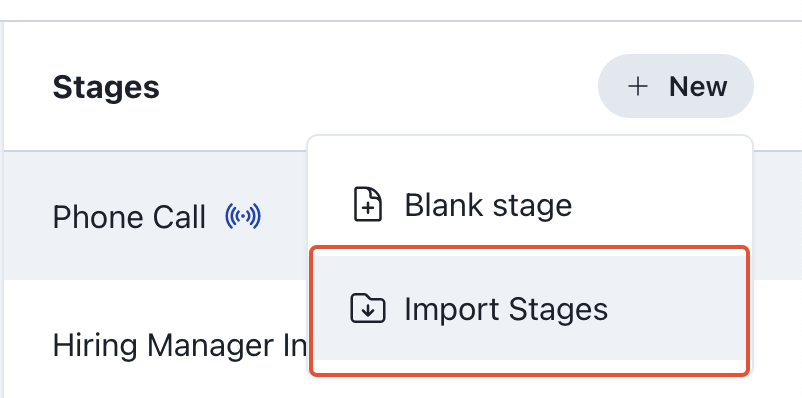
Select "New" -> "Import Stages"
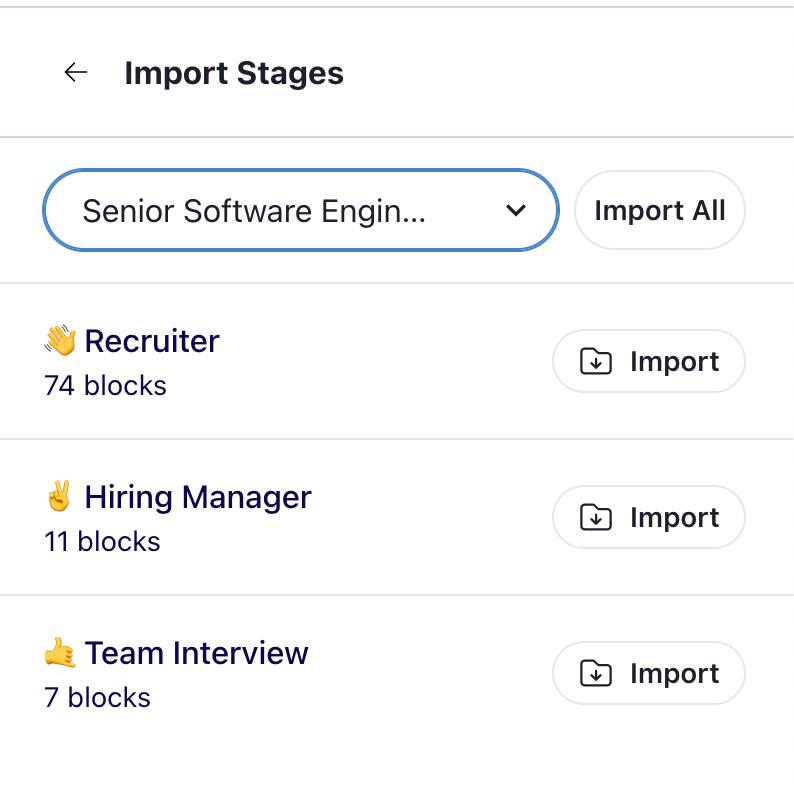
3. Select the Job you'd like to copy the stages from and select "Import All" to import all of the stages or individually choose which stage you'd like to import!