Integrating Recruitee (Tellenet)
Last updated: October 1, 2024
Overview
To integrate Recruitee/Tellent with candidate.fyi, you will need to provide the following information to the candidate.fyi team. You can share the API securely using: https://share.doppler.com/
Subdomain
API Key
Prerequisites
Please ensure you fulfill all the requirements to set up the integration:
You have Administrator permissions in your Recruitee/Tellent instance
Instructions
Step 1: Find your Recruitee/Tellent subdomain
Log into Recruitee by Tellent account
Ensure you are logged in under the correct Recruitee company by selecting your profile in the top right and confirming the company
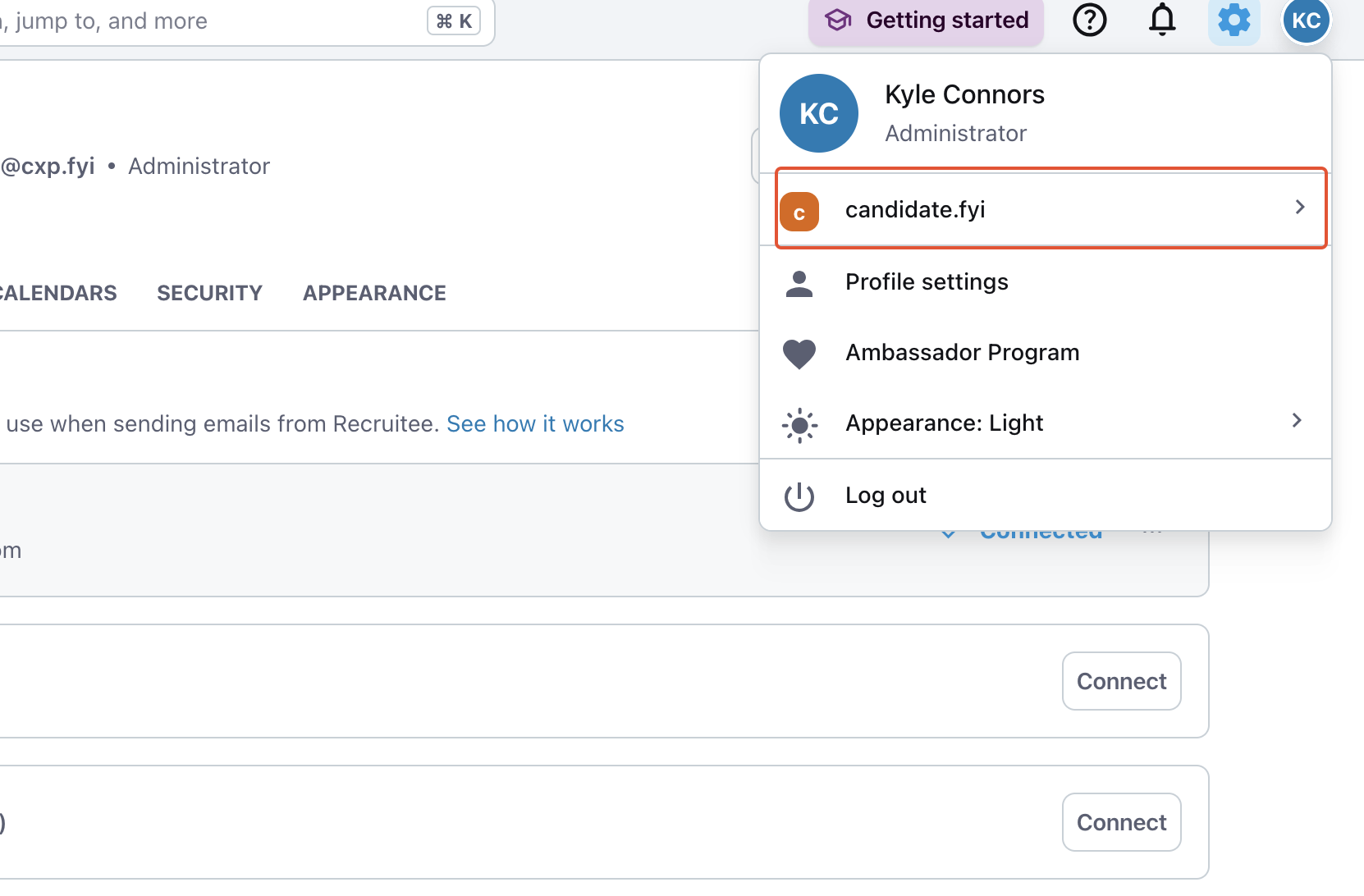
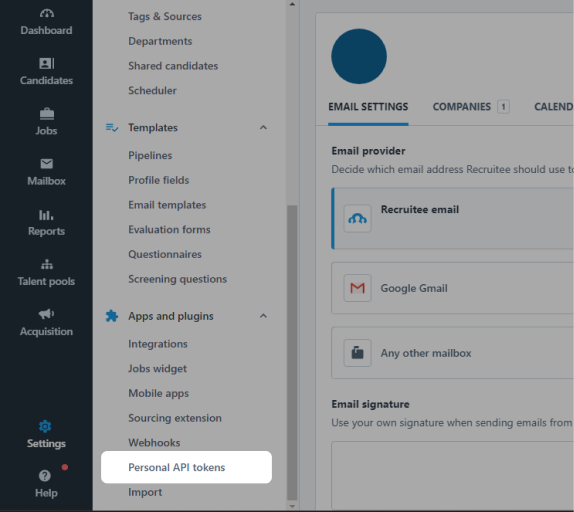
Navigate to your Settings by selecting the Gear icon in the top right of the page
Scroll down the left navigation bar that appears and click Personal API tokens under Apps and plugins
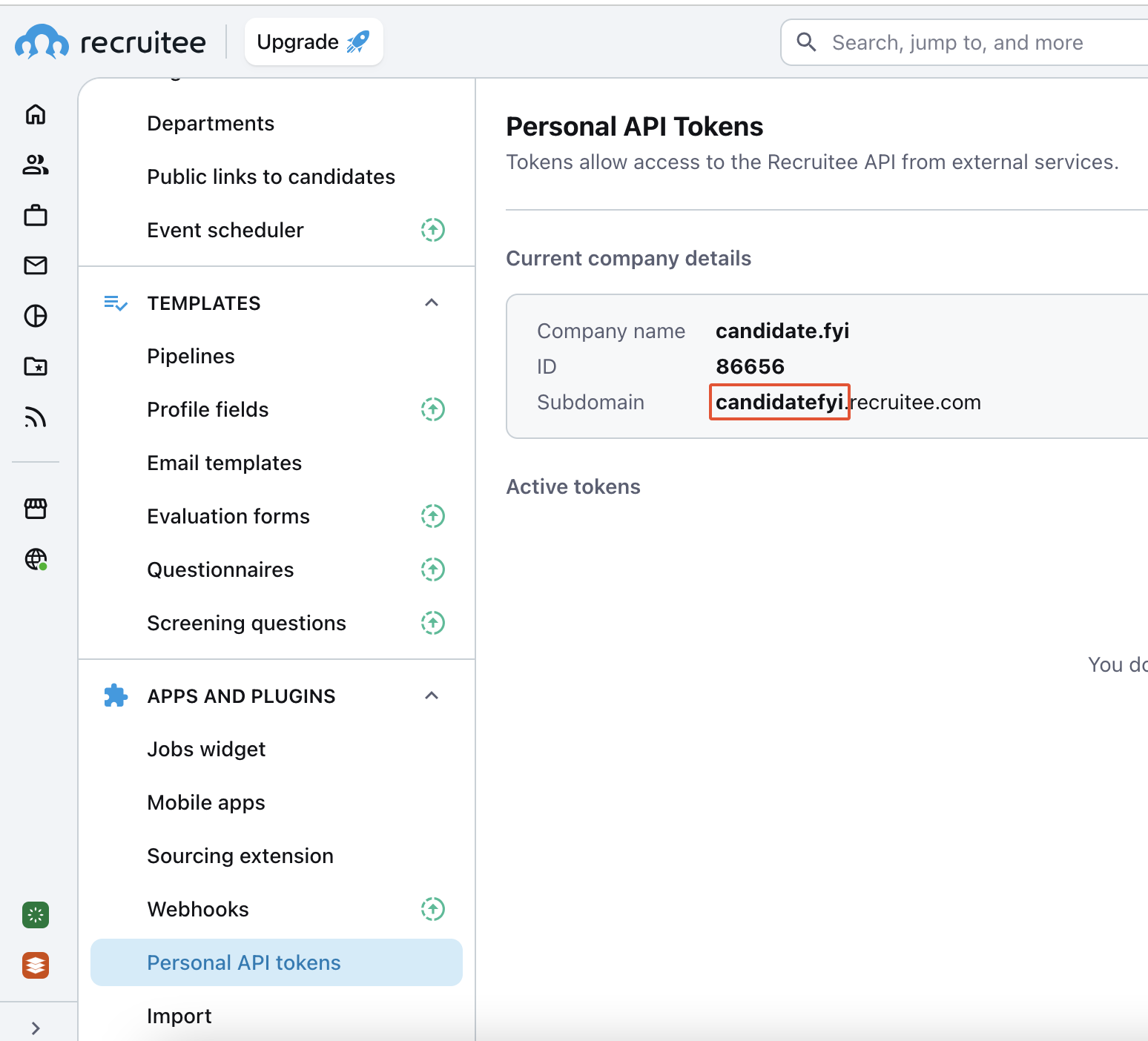
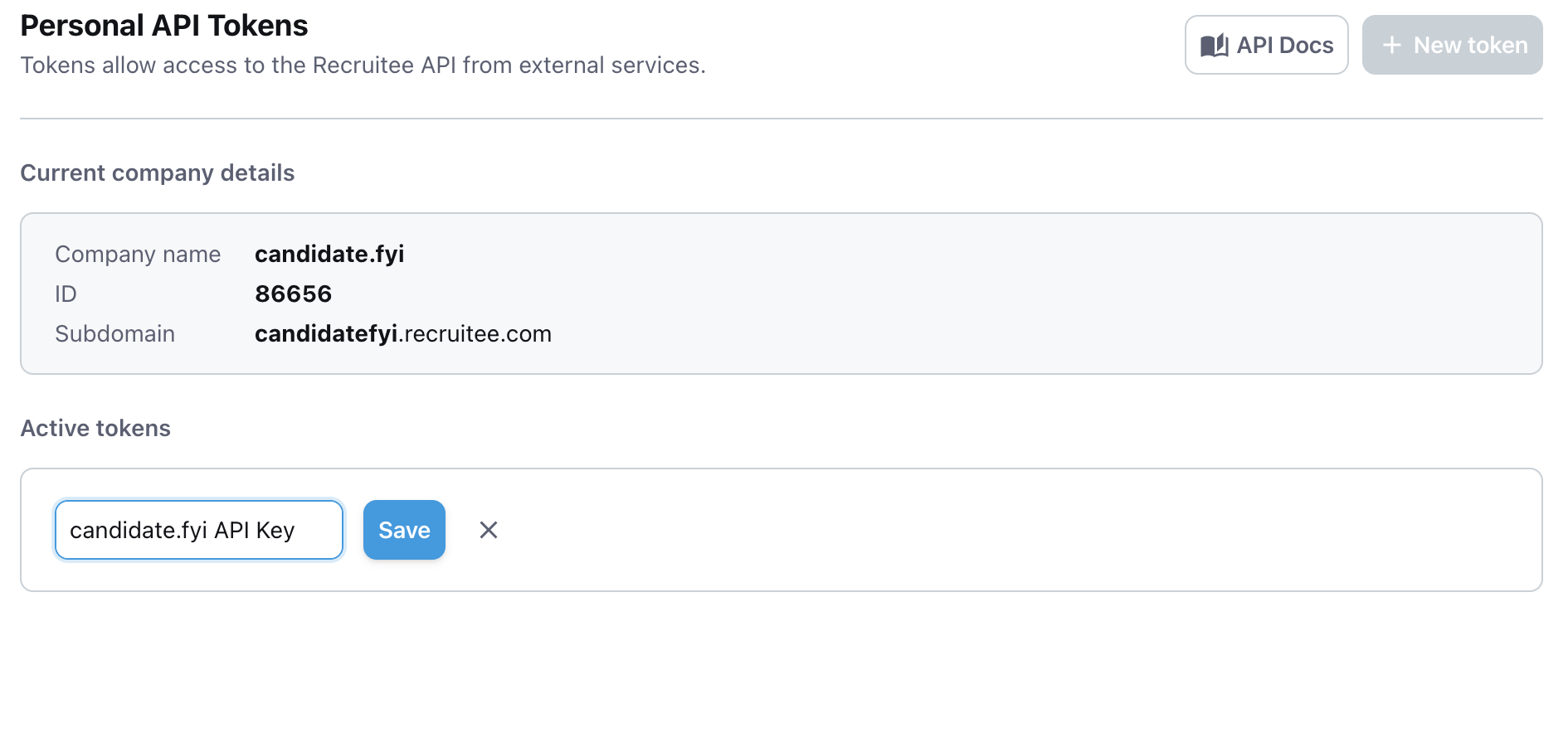
Make note of the word that appears before ".recruitee.com" under current company details. This is your subdomain.
For example, for candidatefyi.recruitee.com, it's candidatefyi.
Step 2: Finding your API key
On the same page, click the + New token button
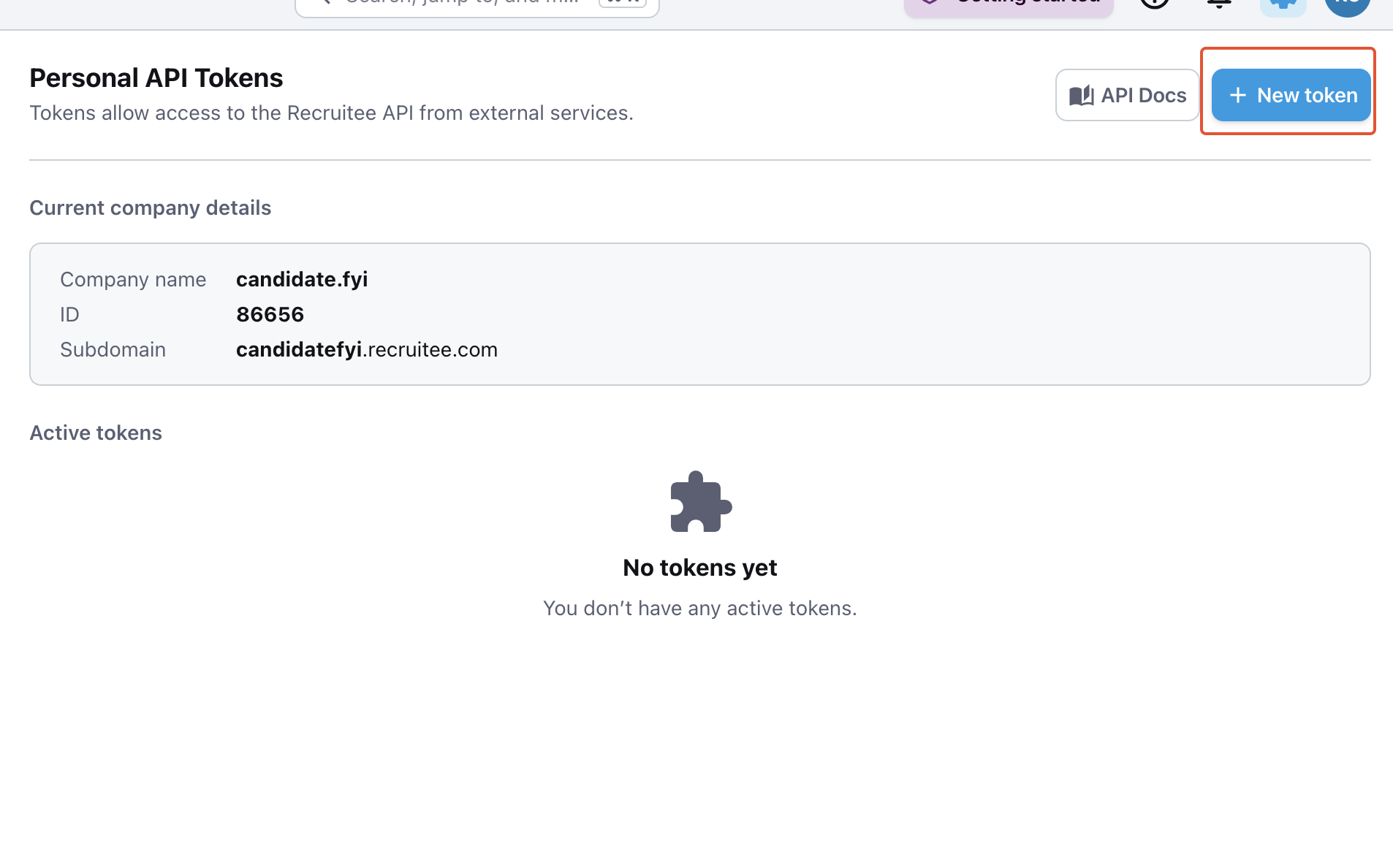
Enter a name (candidate.fyi API Key) for the token and click Save
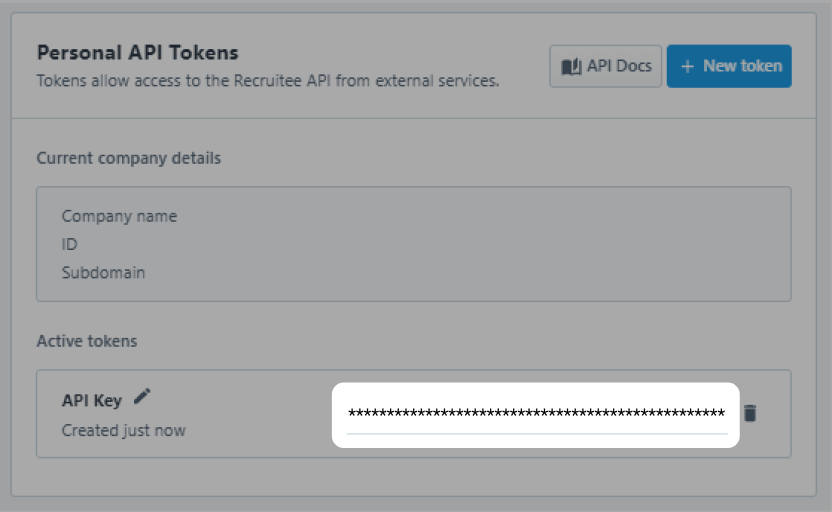
Copy the API Key and provide it to candidate.fyi