Distributor API information requirements
Last updated: September 13, 2024
Arrow
Required distributor information
Arrow Pricing & Availability API login (i.e. a username) and key
Arrow Order API login (i.e. a username) and key
Arrow Order API integration config values for shipToAddressId and ucAddressId
Steps
If you do not have API credentials yet, please request an API key
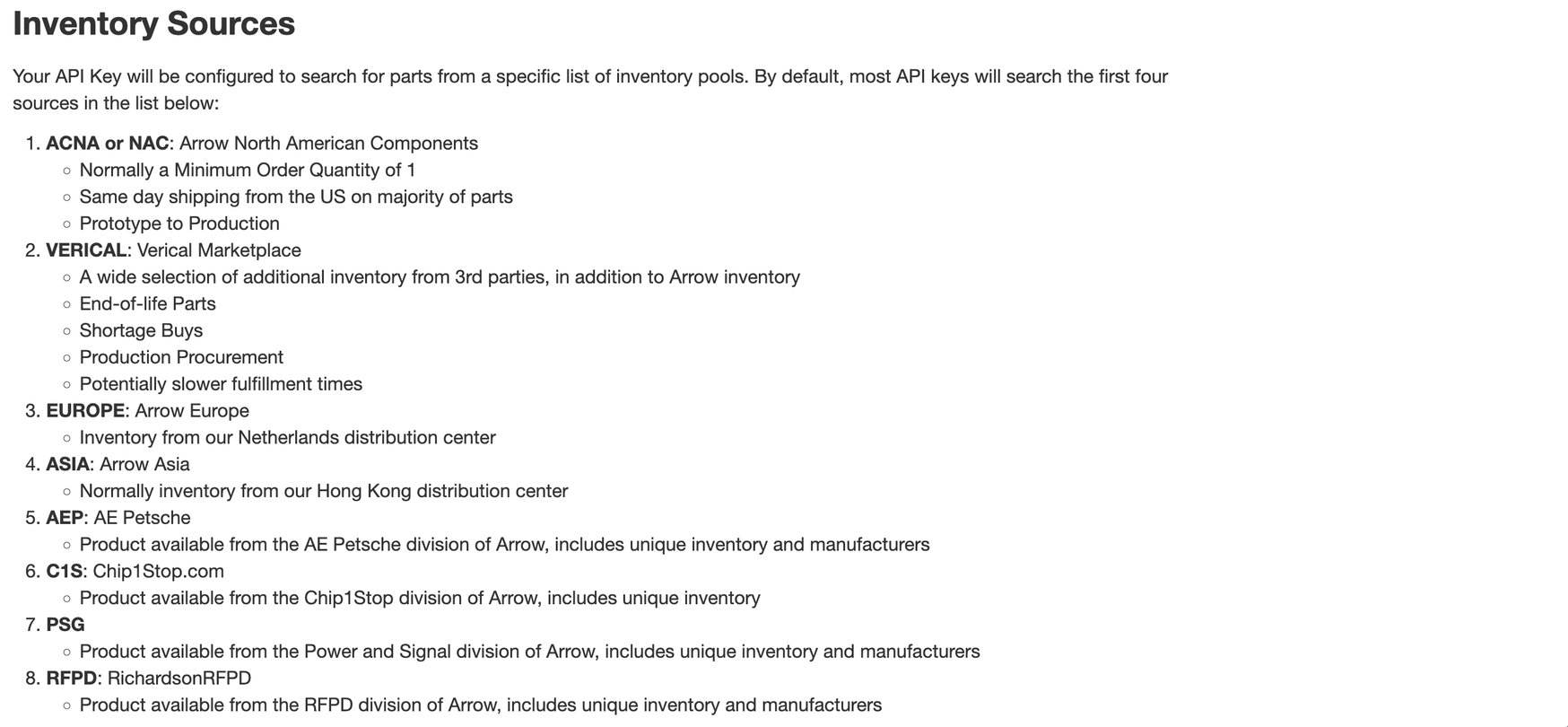
Please request Arrow Pricing & Availability API credentials that at least grant Cofactr access to the first 4 Arrow inventory sources listed in the docs:
Please share your Arrow API credentials with Cofactr
Cofactr will need your Arrow Pricing & Availability API login (i.e. a username) and key for negotiated pricing.
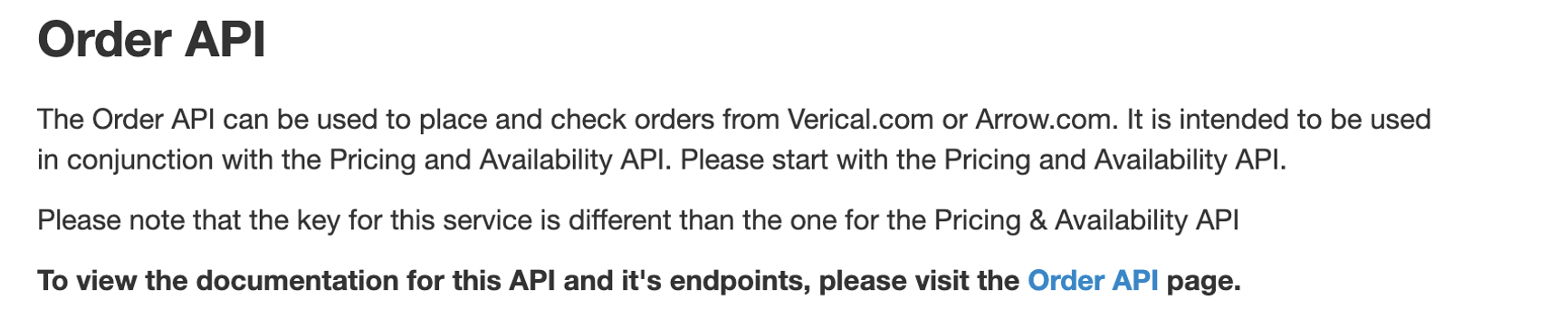
Cofactr will need your Arrow Order API login (i.e. a username) and key for order management. Note that this is a separate set of credentials from the credentials used for the Arrow pricing and availability API:
Please share your Arrow Order API integration config values.
Cofactr will need your
shipToAddressIdso we can communicate the order’s ship-to address to Arrow. After you’ve been given access, api@arrow.com should reach out with this information:
If you also have
ucAddressIdin your possession, please share this information with the Cofactr team. Note though that, after referencing the API documentation,ship_to_address_idalone is seemingly sufficient. However, Arrow also supports submitting orders with both IDs:
A Cofactr engineer will need to test the confirmation from the first step
Reference links
Avnet
Required distributor information
Avnet Product and Pricing API client ID, client secret, and primary subscription key
Steps
If you do not have API credentials yet, please register for access with their Avnet contact. Note Avnet’s point on eligibility:

Please share your Avnet API credentials with Cofactr
Cofactr will need your Avnet Product and Pricing API client ID, secret, and a primary subscription key.
Reference links
DigiKey
Required distributor information
digikey.com login credentials (username and password)
Digi-Key API client ID and client secret
Digi-Key Ordering API integration config values for their Net TermsBillingAccount number and ShipControl preference (immediate or single)
Steps
If you do not have API credentials yet, please follow Digi-Key’s “Getting Started” instructions. Access to Digi-Key’s Product Information and Ordering APIs are granted separately.
Please share your DigiKey API credentials with Cofactr
Cofactr will need your digikey.com login credentials (username and password) for the account that Cofactr will be placing the orders through. The web login is used when generating the access token Cofactr uses to authenticate with Digi-Key.
Cofactr will need your API client ID and secret. The same set of credentials is used across all of Digi-Key’s API offerings.
Please access your Digi-Key Ordering API integration config values and share with the Cofactr team
Cofactr will need your
ShipControlpreference (“Immediate” or “Single”) to handle out of stock products. “Immediate” means that stocked products will be immediately shipped and each backorder as soon as it is available. “Single” means that nothing will ship until all items are available.Cofactr will need your Net Terms
BillingAccountnumber.
Reference links
Future
Required distributor information
Steps
If you do not have API credentials yet, please fill out a request for API access.
Please share your Future API credentials with Cofactr
Cofactr will need your Product Information API key for negotiated pricing.
Reference links
Mouser
Required distributor information
Mouser Order API key, intended payment method, primary/secondary freight accounts if relevant
Mouser Order API integration config values for payment, primary/secondary freight accounts if relevant
Steps
If you do not have Search API credentials yet, please sign into your My Mouser account and complete the Search API request form:

If you do not have Order API credentials yet, please sign into your My Mouser account, visit the API management page, and generate a key.
Please share your Mouser API credentials with Cofactr
Cofactr will need your Search API key for negotiated pricing.
Cofactr will need your Order API key to create/submit orders and get their status.
Cofactr will need to know what payment method you want to use.
Cofactr will need to know your Primary and secondary freight accounts if relevant.
Please share your Mouser Order API integration config values with Cofactr
Cofactr will need your
Paymentmethod ID (integer value).Cofactr will need your
PrimaryFreightAccountandSecondaryFreightAccountnumbers and types if relevant.
Reference links
MyArrow
Required distributor information
MyArrow API client ID and client secret
MyArrow Orders API integration config values for their preferred billToSiteUseId, shipToSiteUseId, and shipCompleteOption (line, order, or null)
Steps
If you do not have API credentials yet, please contact your sales representative to get credentials.
Please share your MyArrow API credentials with Cofactr
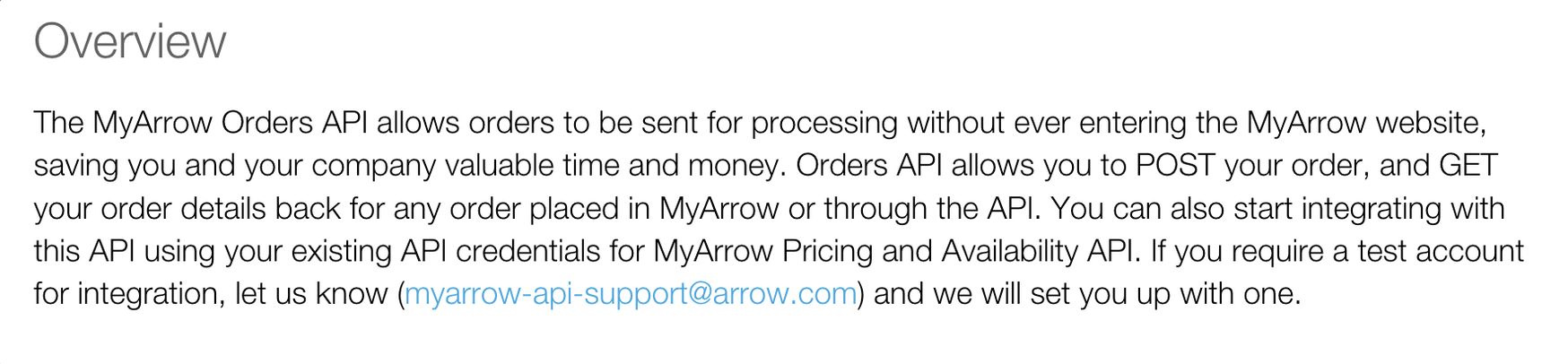
Cofactr will need your API client ID and secret. The same set of credentials is used across all of MyArrow’s API offerings.
Get MyArrow Orders API integration config value from the customer.
Cofactr will need your billing account ID (referenced as
billToSiteUseIdin the MyArrow API docs).Cofactr will need your shipping account ID (referenced as
shipToSiteUseIdin the MyArrow API docs).Cofactr will need your
shipCompleteOptionpreference (”LINE”, “ORDER” or null value). “ORDER” will wait to ship the entire order in one package. “LINE” will ship each line item once the quantity can be fulfilled. A null value will ship the quantities Arrow has available in the warehouse ASAP.
Reference links
Newark/Farnell
Required distributor information
Steps
If you do not have Element14 Product Search API credentials yet, please contact them and request for an API key.
Please share your Nexar/Farnell API credentials with Cofactr
Cofactr will need your Element14 Product Search API key for negotiated pricing.
Reference links
Nexar
Required distributor information
Nexar API client ID and client secret.
Steps
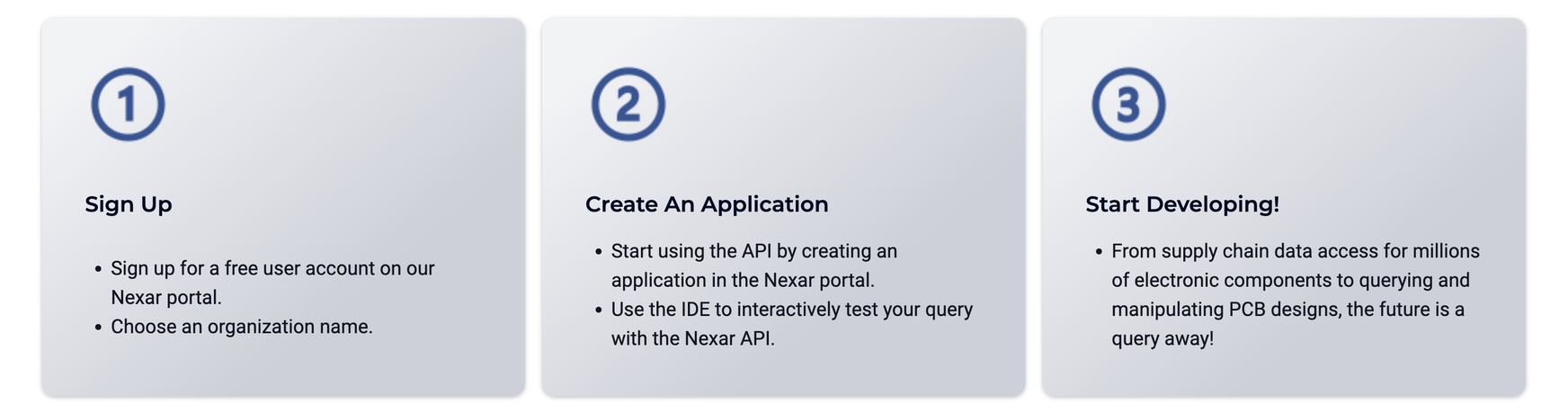
If you do not have Nexar API credentials yet, please create an account and then create an application via the Nexar portal.
Please share your Nexar API credentials with Cofactr
Cofactr will need your Nexar API client ID and secret.
Reference links
Online Components
Required distributor information
Steps
If you do not have Quest Components API credentials yet, please setup by following the instructions on this page:

Please share your Onlinecomponents API credentials with Cofactr
Cofactr will need your Search API key for negotiated pricing.
Reference links
Quest
Required distributor information
Quest API key
Steps
If you do not have Quest Components API credentials yet, please request for an API key.
Please share your Quest API credentials with Cofactr
Cofactr will need your Quest Components API key for negotiated pricing.
Reference links
TI
Required distributor information
TI Inventory and pricing API client ID and client secret
Steps
If you do not have your TI Inventory and pricing API credentials, please sign into your myTI account and request an API key following these instructions.
Please share your TI API credentials with Cofactr
Cofactr will need your TI Inventory and pricing API client ID and secret for negotiated pricing.
Reference links
TTI
Required distributor information
TTI API account number
TTI Search API key
TTI Order API key
Steps
If you do not have TTI API credentials, please request an API key by filling out and submitting a form
Please share your TTI API credentials with Cofactr
Cofactr will need your customer account number for negotiated pricing and order management
Cofactr will need your Search API key for negotiated pricing
Cofactr will need your Order API key for order management
Reference links
Written by Anthony Blair